
Home Screen Themes: Every Look and What It Lets You Change
The Miatafy Home editor has 35 built-in themes in four groups. The group sets what you can change: shortcut destinations, order, and labels everywhere, plus button art in the round-button themes, icons in the panel layouts and scenes, moving and resizing shortcuts in the illustrated scenes, and free placement in the blank styles. A note under a theme marks where it fixes something or lets you change more.
Choose a theme with Themes in the editor; get started shows where to find it. Previews show each theme as it starts, before you change shortcuts or artwork.
Designs other owners published are in the community gallery. Using one on your car is free with ScreenTune, and remixing one is free with an email (community Home themes).
Mazda-style round buttons
Section titled “Mazda-style round buttons”Mazda’s arc of five round buttons. Change destinations, order, labels, button art and background.
-
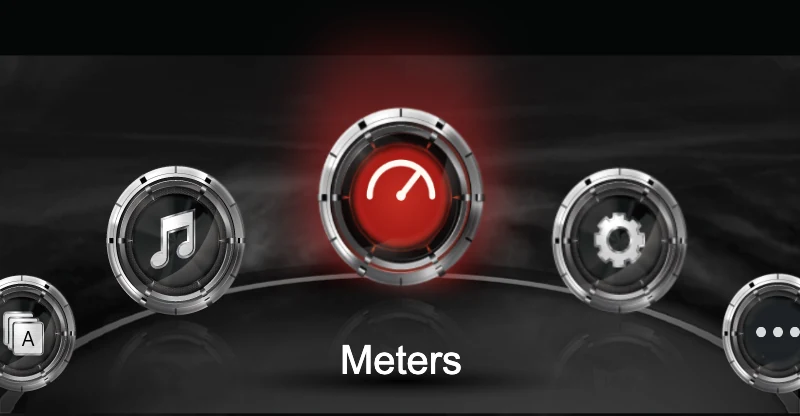
Mazda Classic
Mazda’s own silver buttons, red glow and curved base.
-
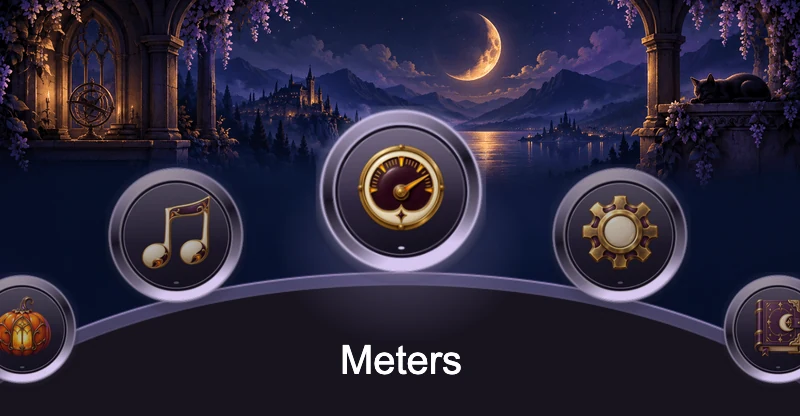
Purple Cat Halloween
A moonlit castle and a sleeping black cat behind plum and gold buttons.
-
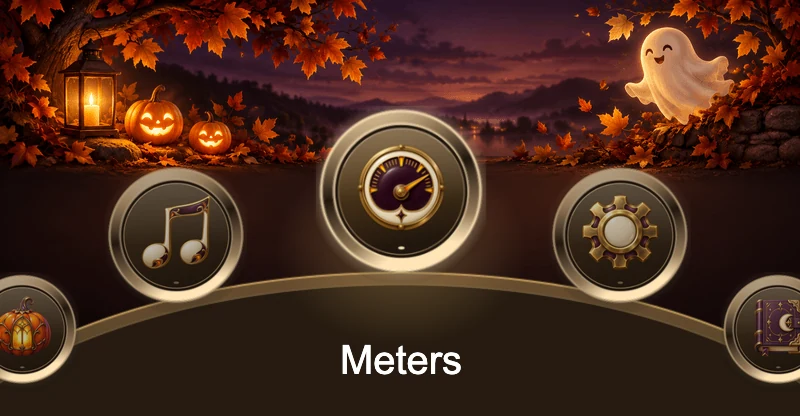
Copper Lantern Halloween
Lanterns, autumn leaves and a friendly ghost behind copper-rimmed buttons.
-
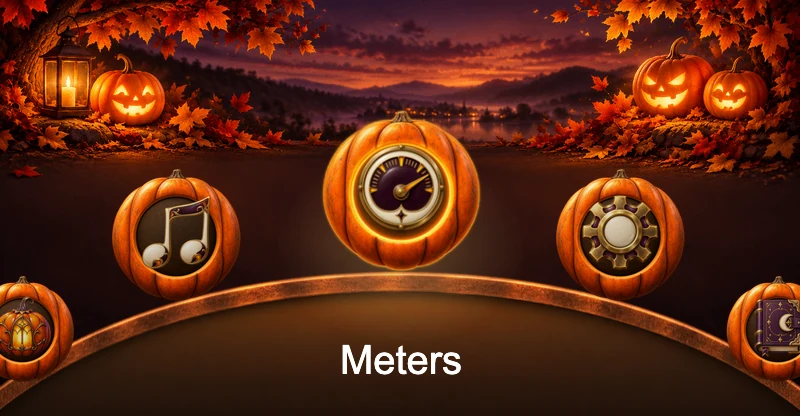
Pumpkin Patch Halloween
Grinning jack-o’-lanterns, with every button carved from a pumpkin.
Panel layouts
Section titled “Panel layouts”Five shortcuts held in place as panels, tabs or lanes. Change destinations, order, labels and background.
-
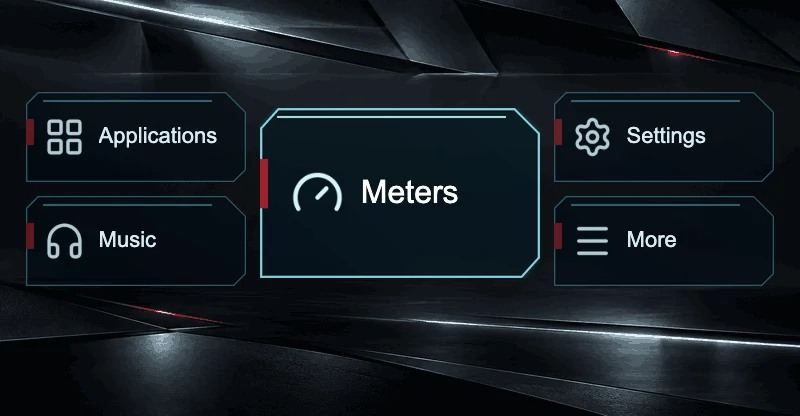
Neon Drive
Angular dark panels around a large center panel, with an electric cyan focus.
Button art is part of the theme; you can change each icon.
-
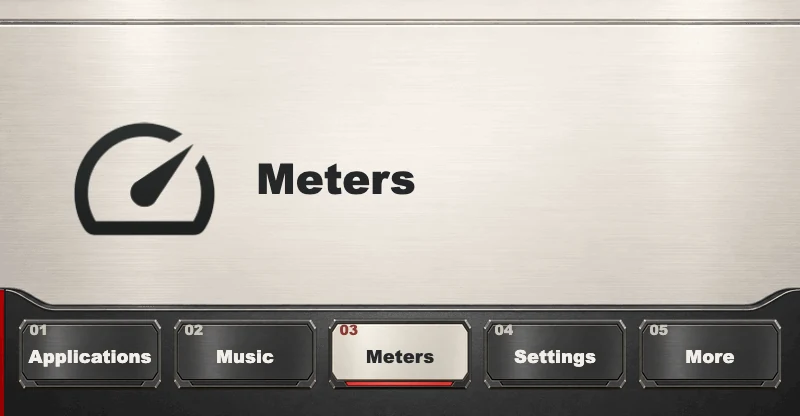
Pit Wall
Brushed metal with five numbered tabs along the bottom and a large readout of the selected shortcut.
Button art is part of the theme; you can change each icon.
-
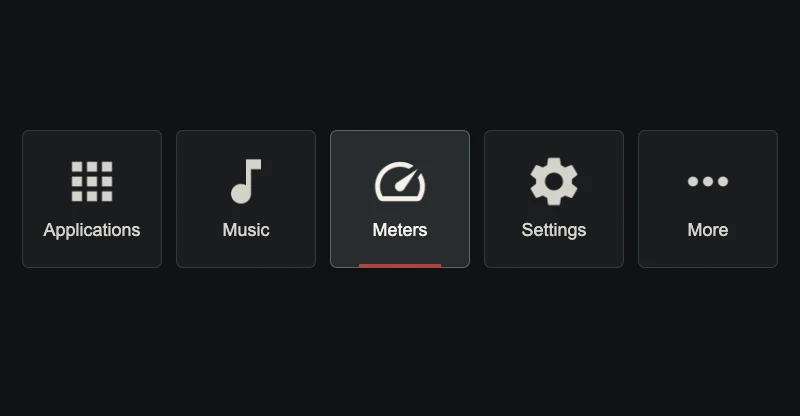
Quiet Night
Five calm charcoal tiles with warm white icons and a thin red selection line.
Its colors are set in its layers, under Fine-tune.
-
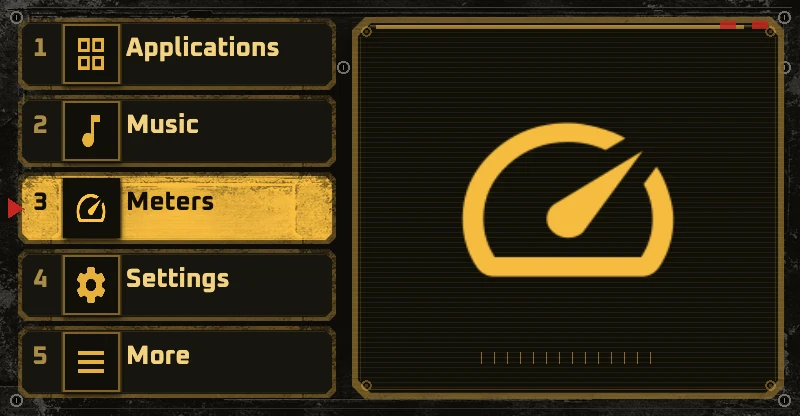
Amber Console
A numbered amber list beside a large panel that shows the selected shortcut.
All nine colors are yours to change too.
-
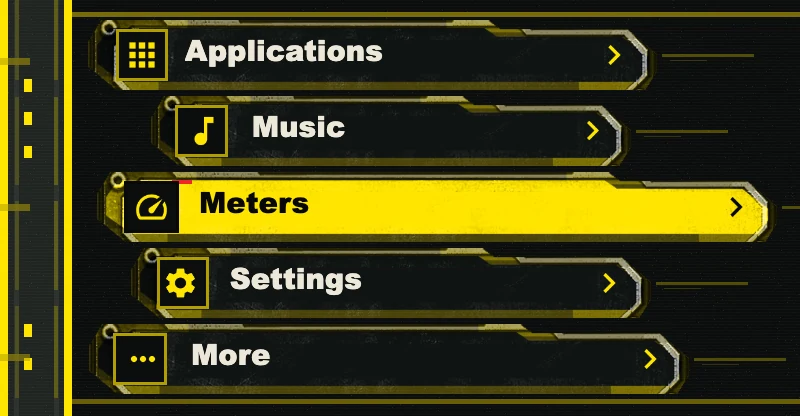
Yellow Lanes
Staggered industrial lanes with a bold yellow selected row.
All nine colors are yours to change too.
Illustrated scenes
Section titled “Illustrated scenes”A scene behind five shortcuts you can move and resize. Change destinations, order, labels and background.
-
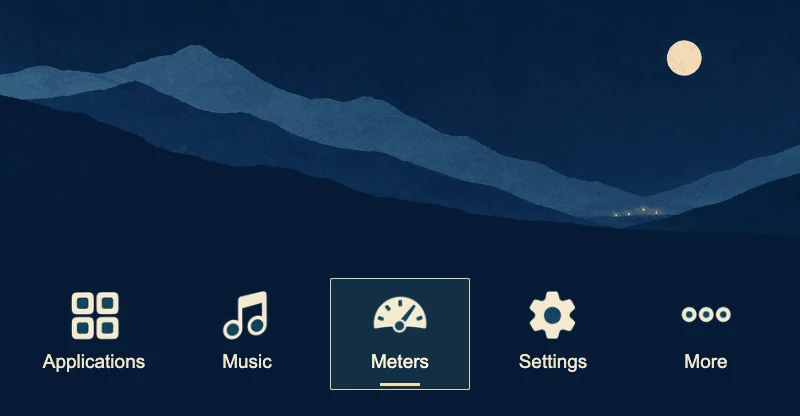
Touge After Dark
Moonlit mountain ridges and faint valley lights, with white icons and a cream-outlined focus box.
-
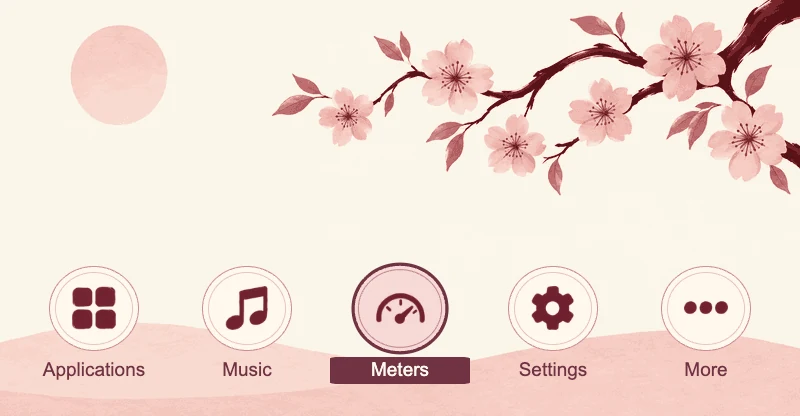
Cherry Blossom
Blossom branches, warm paper and rose porcelain controls.
-
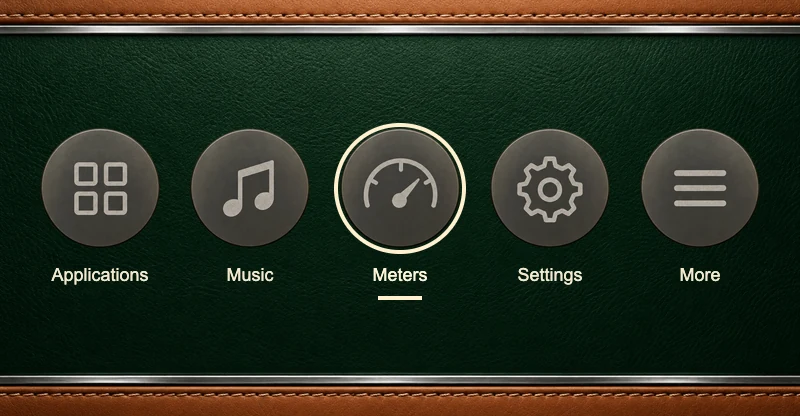
British Racing Green
Racing green leather between tan-stitched bands, with round gray dial buttons and a cream focus ring.
-
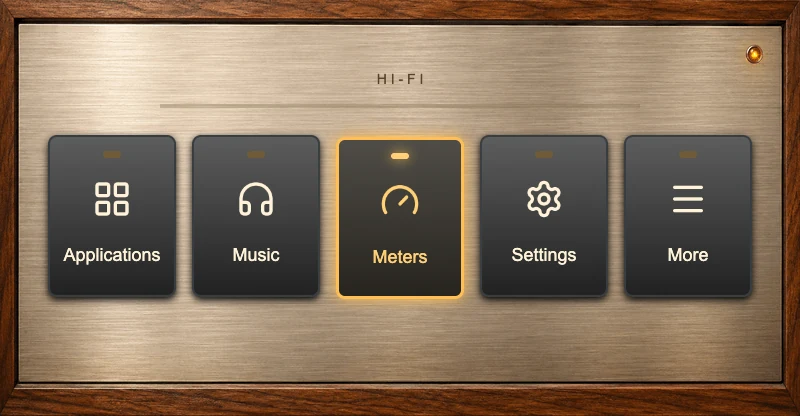
Retro Hi-Fi
A brushed aluminum faceplate in a walnut case, with dark console keys that light up amber.
-
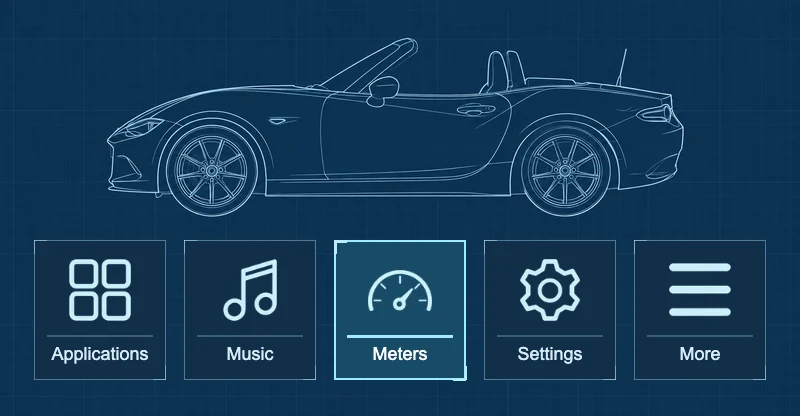
Blueprint
A roadster drafting illustration with crisp blue command tiles.
-
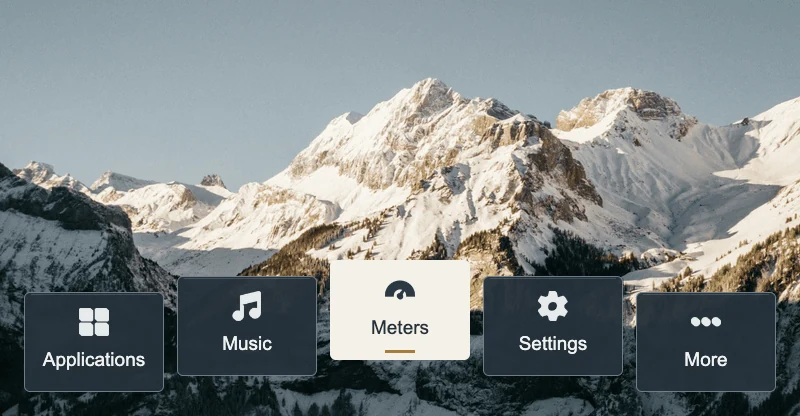
Alpine Morning
Sunlit snowy peaks at Kandersteg in the Swiss Alps, with slate controls.
-
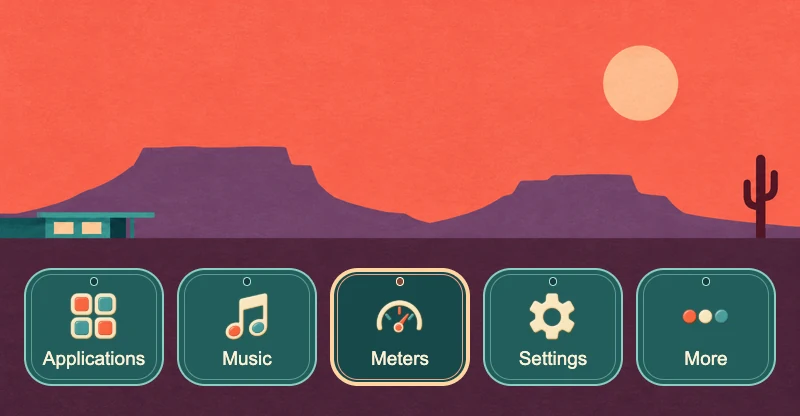
Desert Motel
Purple mesas and a saguaro under a coral sky, with teal enamel buttons.
-
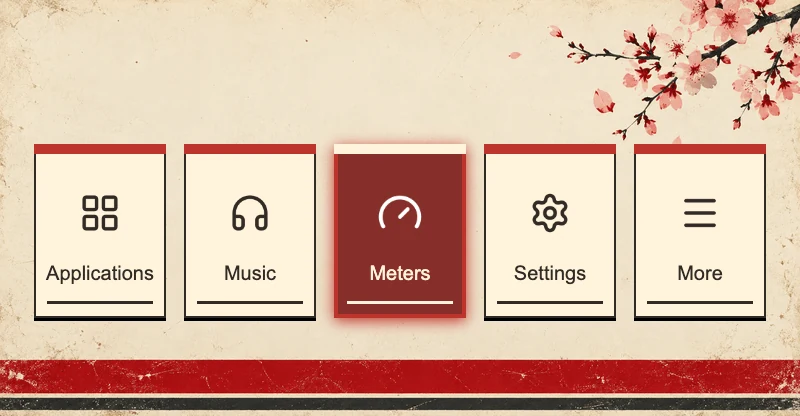
Sakura Circuit
Cherry blossoms, ivory racing panels and cherry-red accents.
-
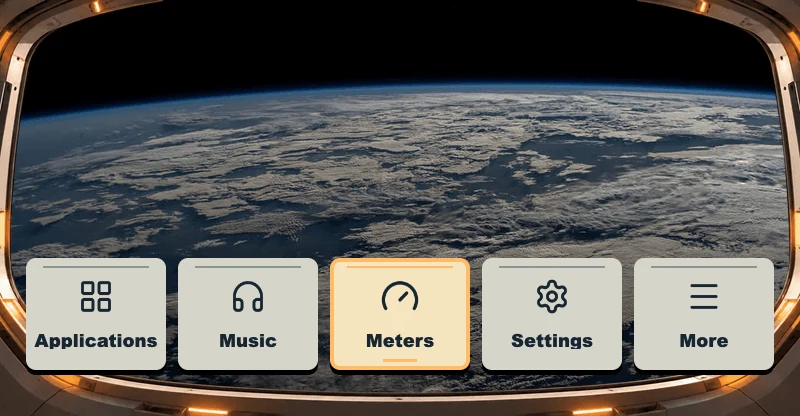
Orbital Window
Earth photographed from the ISS through a spacecraft frame, with ivory keys and amber focus.
-
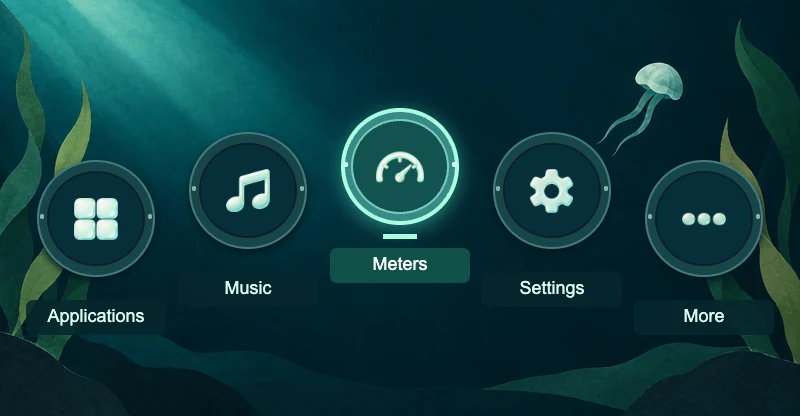
Deep Sea
An underwater landscape with luminous aqua porthole buttons.
-
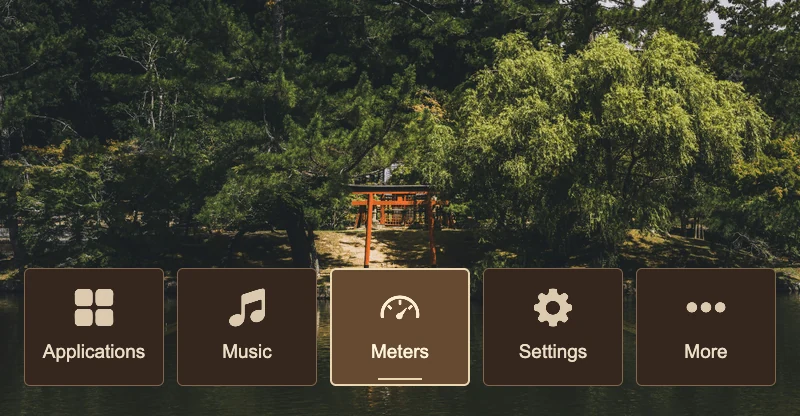
Forest Shrine
A red torii gate beside a still forest pond, with dark wooden tiles.
-
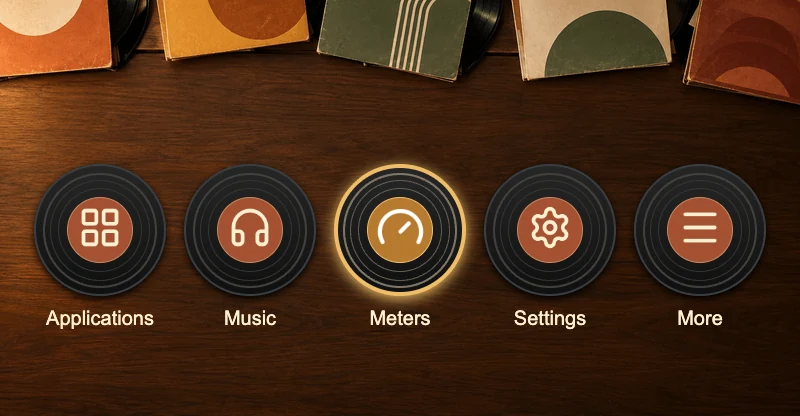
Record Shop
Warm wood, vintage sleeves and vinyl record shortcuts.
-
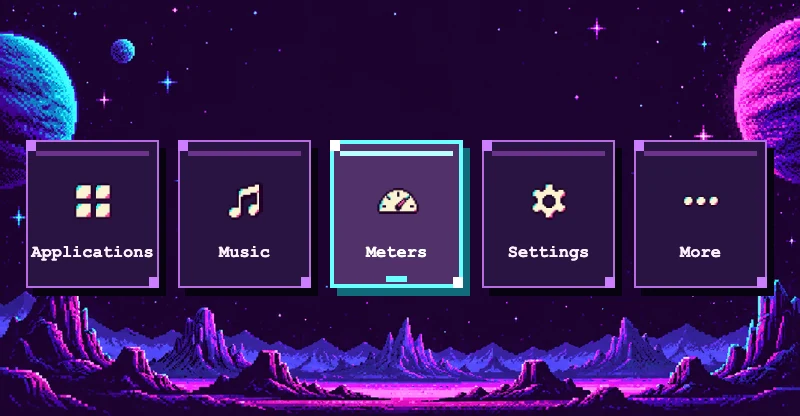
Arcade ’89
Pixel planets, chunky violet controls and electric cyan focus.
-
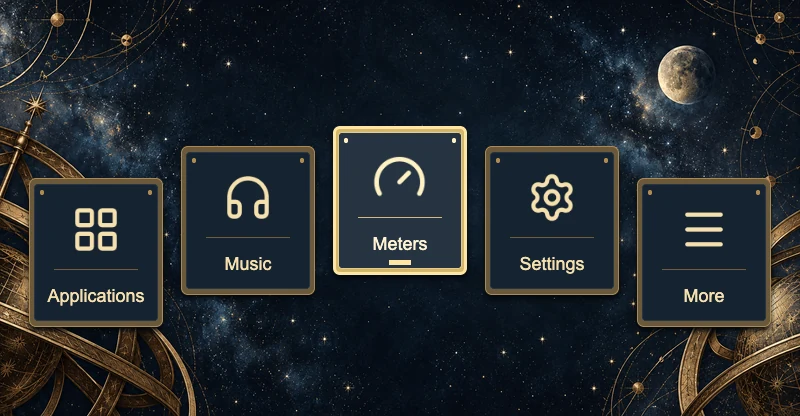
Space Observatory
Celestial scenery, midnight enamel and warm brass controls.
-
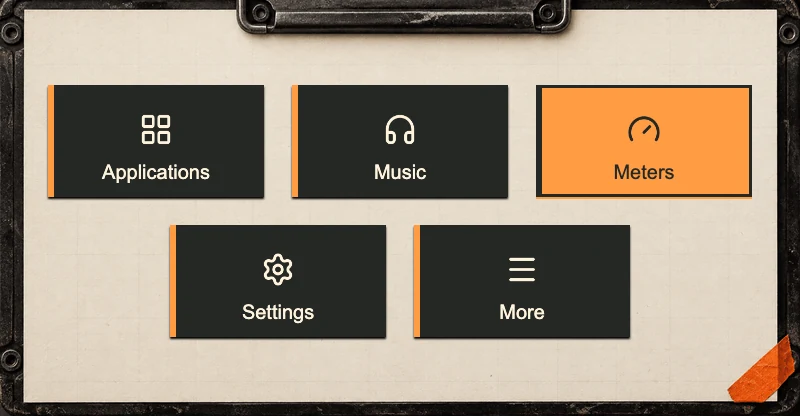
Rally Roadbook
Charcoal, orange-edged tabs on a paper clipboard, with a solid orange focus.
-
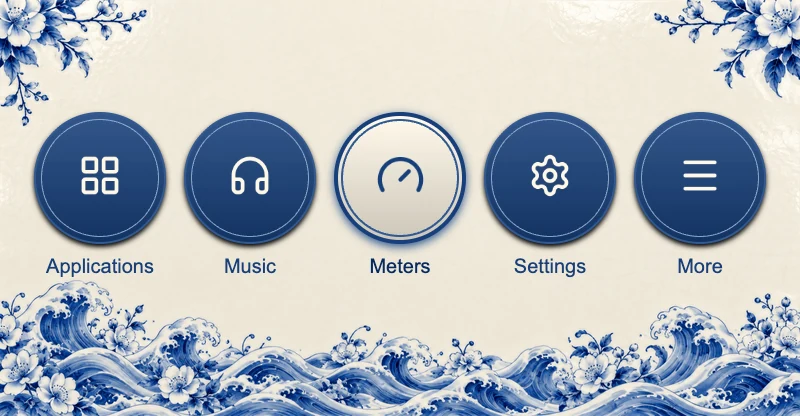
Porcelain Blue
Cobalt porcelain motifs and blue glazed shortcut medallions.
-
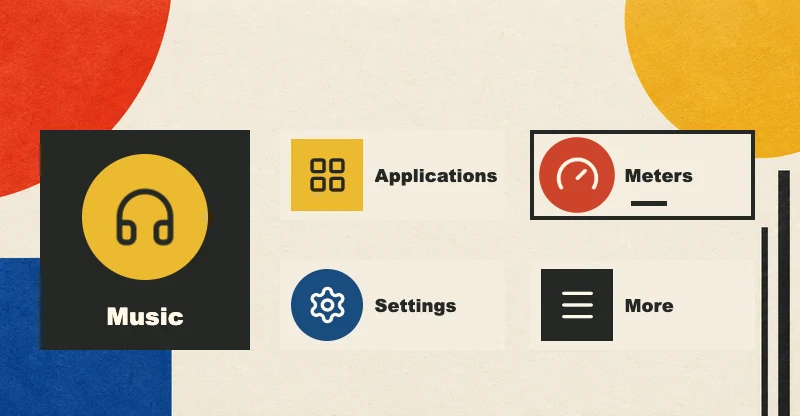
Bauhaus
Ivory paper, primary-color geometry and charcoal shortcut blocks.
-
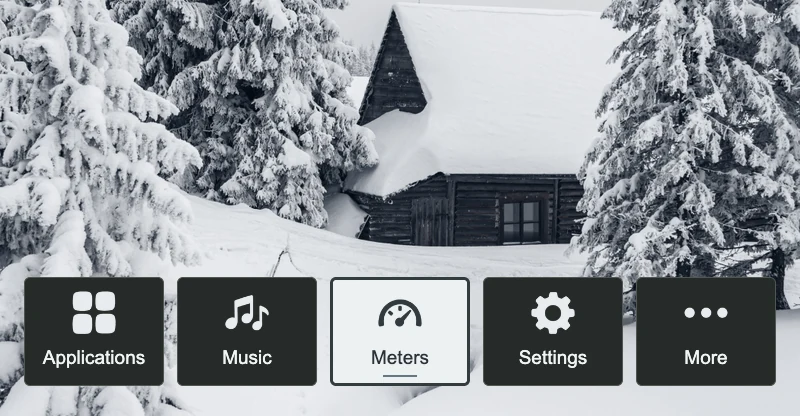
Snow Cabin
A photographed timber cabin in deep snow, framed by frosted fir trees.
-
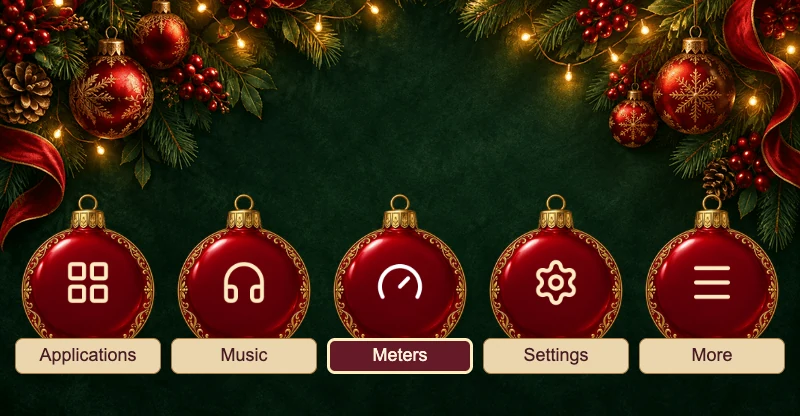
Holiday Express Holiday
Evergreen and festive lights behind an aligned row of red glass ornaments with cream gift-tag labels.
-
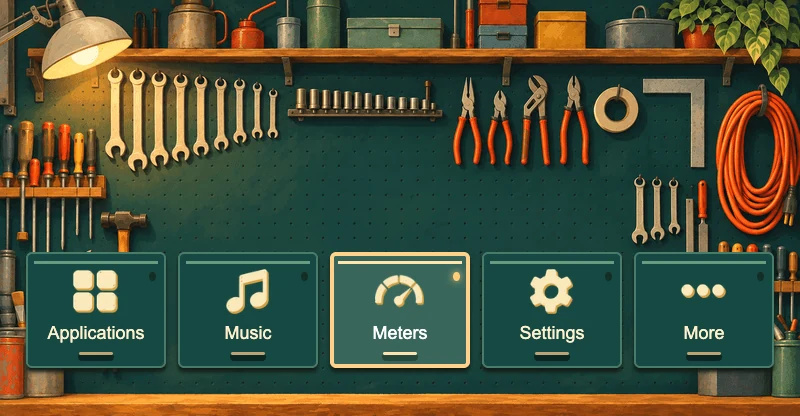
Little Garage
A softly painted pegboard wall, familiar tools and teal enamel controls.
-
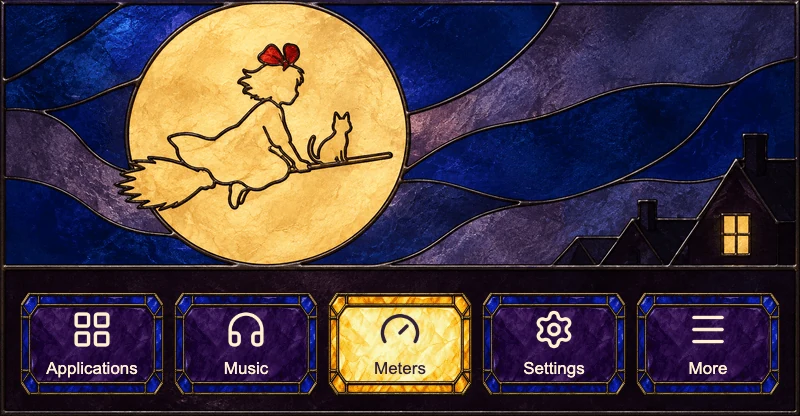
Moonlit Deliveries
A moonlit stained-glass window above violet glass controls that turn amber when selected.
-
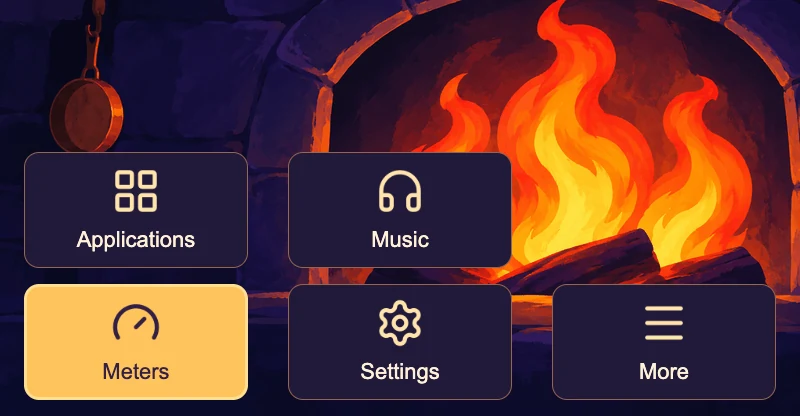
Emberlight
Golden hearth flames and warm copper against deep violet, with roomy plum cards and amber selection.
-
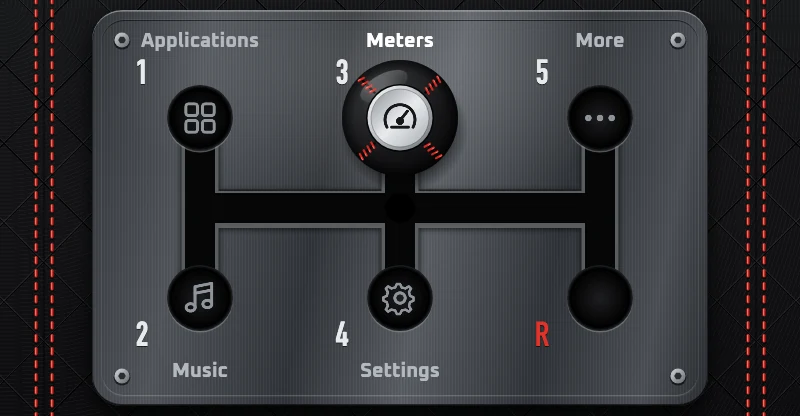
Six-Speed
A gated shifter seen from above, where the leather knob moves to the gate you select.
Start from a blank style
Section titled “Start from a blank style”Plain tiles that start with their own shortcuts. Change everything, from menus to colors.
-
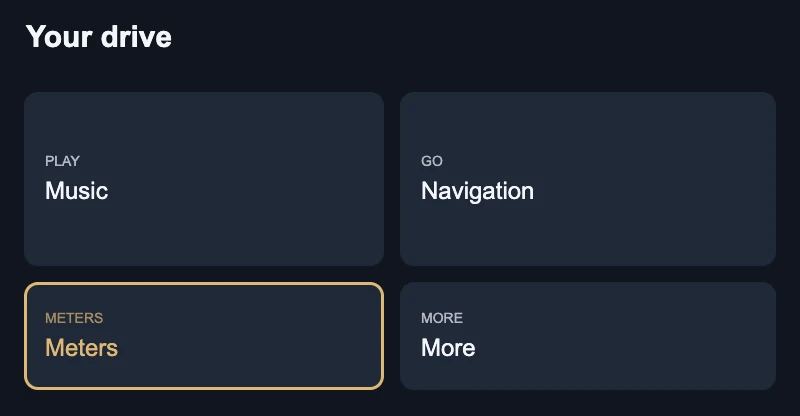
Evening Glow
Deep blue tiles with soft rounded corners and a warm gold highlight.
-
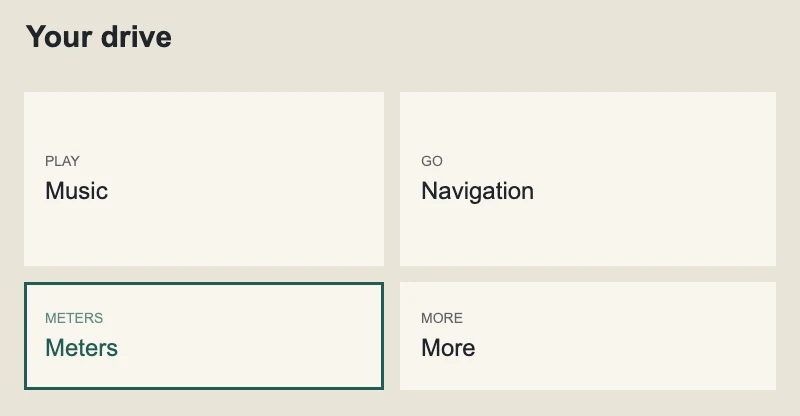
Paper
Light paper-colored tiles with square corners and a deep green highlight.
-
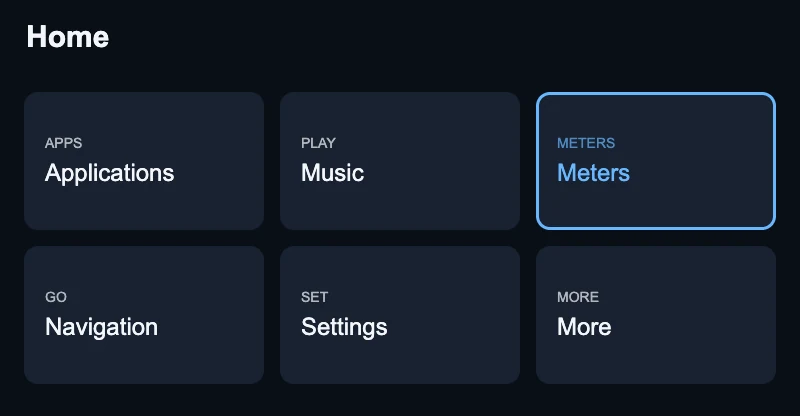
Grid
Six even tiles on one dark screen with a blue highlight.
Switching themes keeps your shortcuts, except to a blank style
Section titled “Switching themes keeps your shortcuts, except to a blank style”Choosing a theme replaces your design with that theme, background included. The design keeps its name. Keep my destinations and labels carries your shortcuts’ destinations, labels, and order into any round-button, panel, or scene theme, and nothing else. A blank style starts with its own tiles and shortcuts, Meters and More included. Undo brings back the design you had. Themes and shortcuts covers labels, menus, backgrounds, and button artwork.