Enables touch input
AA Touch tells Android Auto that the factory display has a touchscreen.
AA Touch adds tap, swipe, and drag to Android Auto on your factory Mazda touchscreen. It works while parked or moving, with the commander knob, steering-wheel controls, and voice input still available.
ScreenTune from $69. One-time purchase. AA Touch included.
Already have ScreenTune? Add AA Touch free in My ScreenTune →
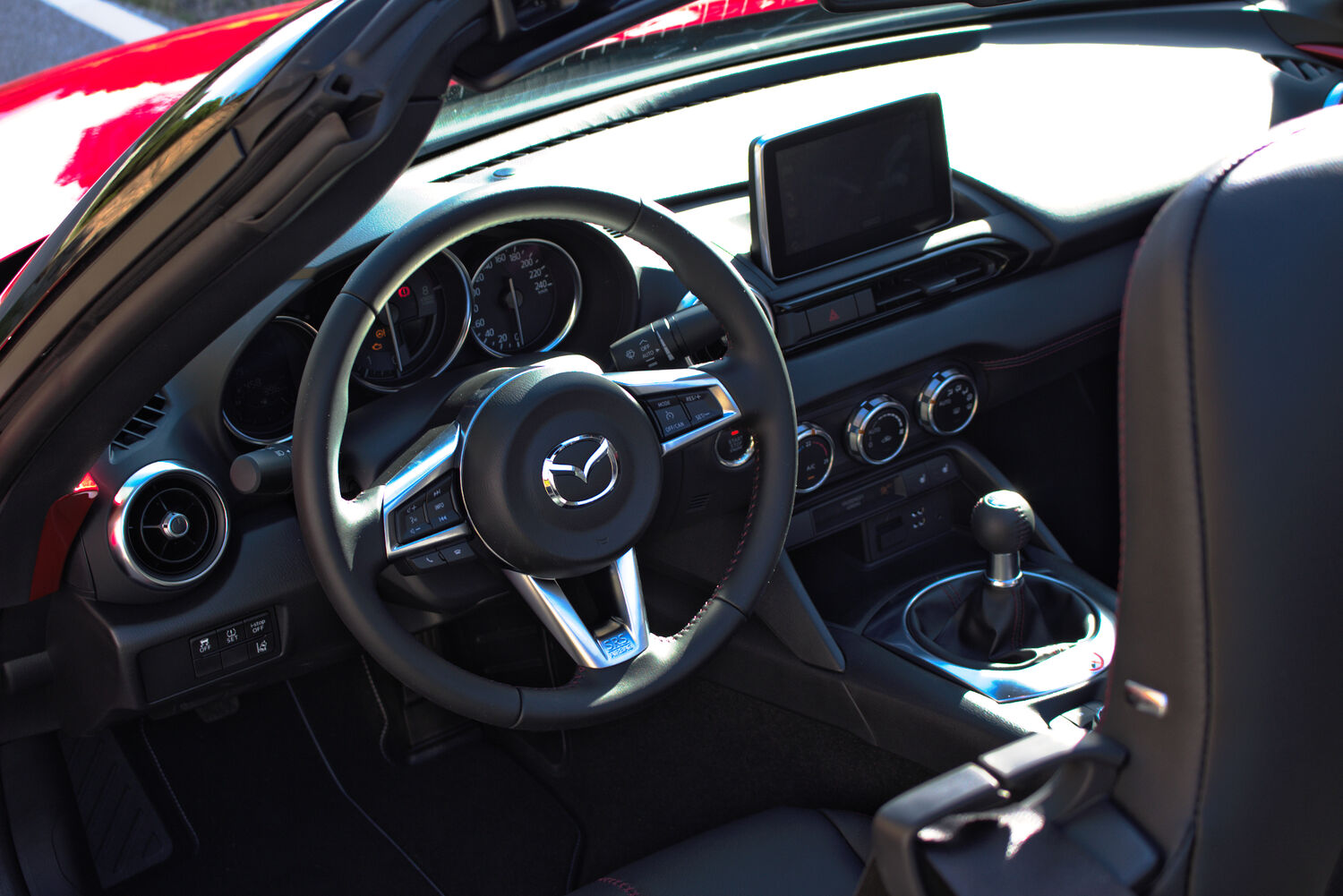
On Gen 6 Mazda Connect, Android Auto does not accept touch, even while parked. Mazda’s software leaves the touchscreen out of its input list and sends touch events in a format Android Auto cannot read. AA Touch enables the touchscreen input and translates those events.
AA Touch tells Android Auto that the factory display has a touchscreen.
A program on the head unit converts the panel’s single-finger touch events into the format Android Auto expects.
The commander knob, steering-wheel buttons, and voice input remain available alongside touch.
Tap to select, swipe through lists, or drag the map. You can also type when Android Auto displays its keyboard. The factory touchscreen detects one finger at a time, so pinch zoom is not supported.
AA Touch is an optional feature of ScreenTune, our USB-installed software for Mazda Connect. It is included at no extra charge.
Enter your email and VIN, confirm your firmware, then select AA Touch in the add-ons step. Install with your ScreenTune USB and remove the drive after installation and the screen restart.
Already have ScreenTune? Sign in to My ScreenTune, choose Add AA Touch, and install the new package. Adding AA Touch to an existing install.
Requires firmware v74.00.324A. Check your model, market, and trim in the supported vehicle list.
Android Auto must connect through a factory or retrofit USB hub. AA Touch does not add Android Auto or its hardware.
Choose AA Touch when you customize ScreenTune. The same USB installs the software and can restore the original files.
AA Touch adds touchscreen input to Android Auto. Your phone, Android Auto apps, and factory controls keep working as before.
Yes. AA Touch provides touchscreen input to Android Auto while parked or moving. Use it responsibly and keep your attention on the road.
Yes. The commander knob, steering-wheel controls, and voice input keep working alongside touch.
Yes. AA Touch is an optional ScreenTune feature, included at no extra charge. Existing ScreenTune customers can add it in My ScreenTune at miatafy.com/car/ and install the updated package.
No. Android Auto must already work through a factory or retrofit USB hub. AA Touch adds touchscreen input to that setup.
No. The factory touchscreen detects one finger at a time. AA Touch supports tap, swipe, and drag. In Google Maps, use double-tap or the on-screen zoom buttons.
No. TouchTune enables touch while moving in Mazda’s menus and CarPlay. AA Touch enables touchscreen input in Android Auto, where touch is disabled even while parked.
No. AA Touch changes touchscreen input for Android Auto only. CarPlay keeps its existing touch behavior.
Yes. Your ScreenTune USB includes a REMOVE action that restores the files saved during the first install.
ScreenTune is $69 for the download or $99 on our roadster USB by mail. Both are one-time purchases and include AA Touch at no extra charge.