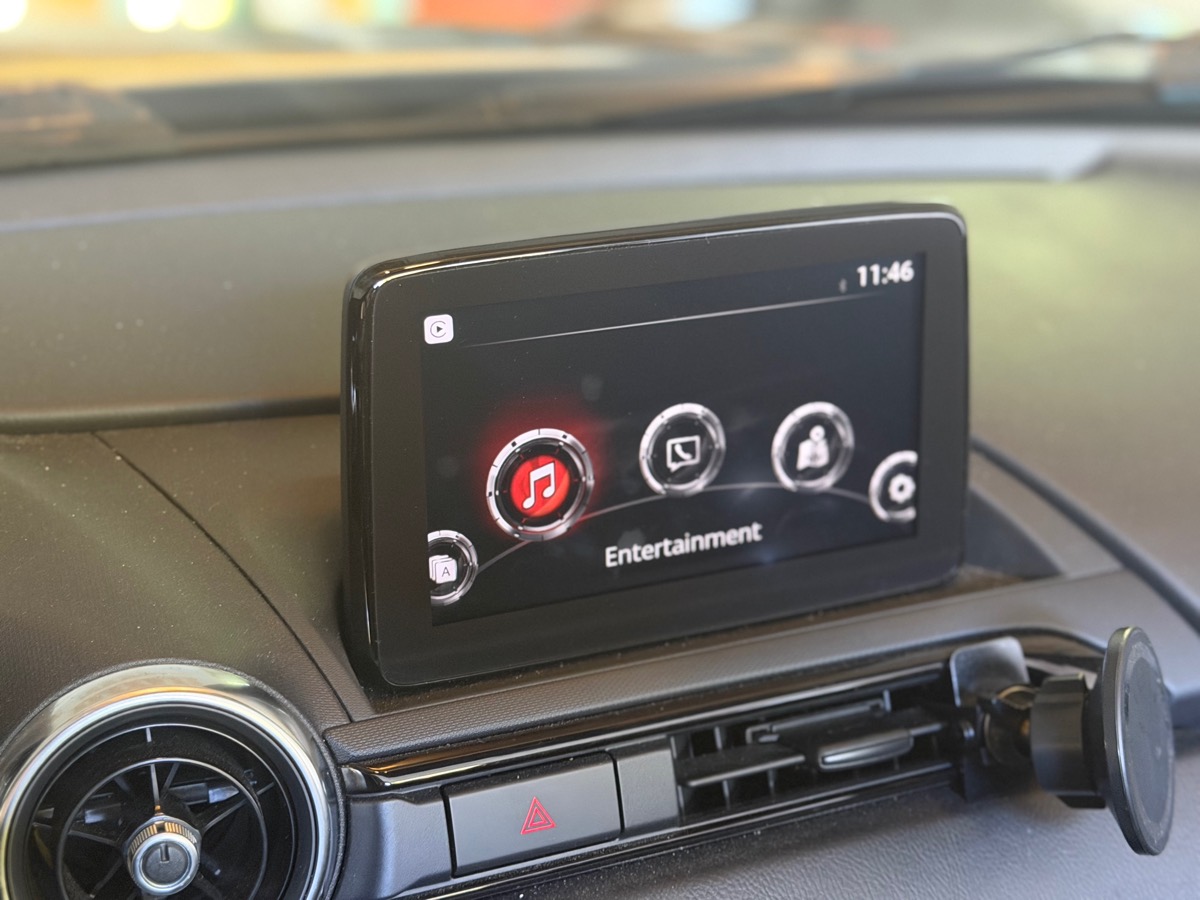
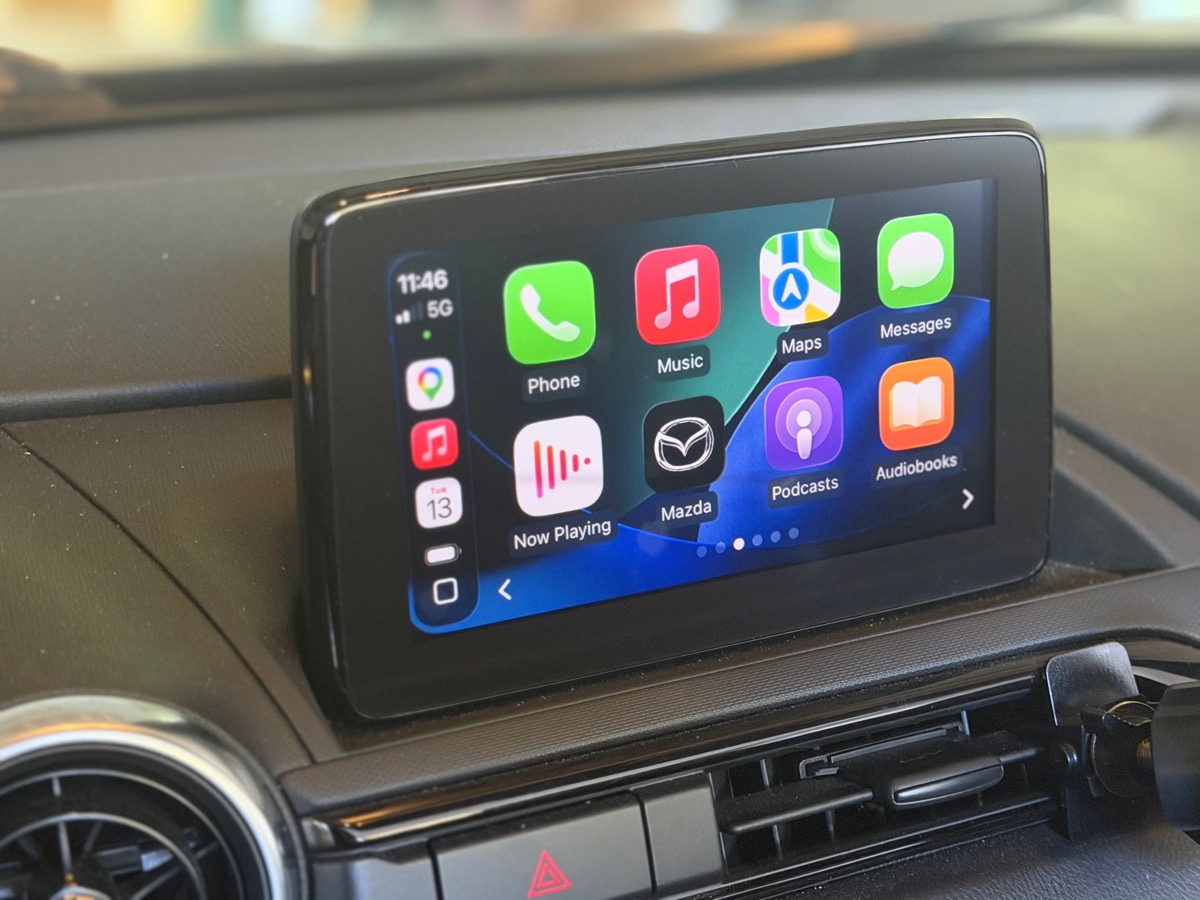
Startup takes less time.
The touchscreen was ready 16 seconds sooner in our tests. Factory wireless CarPlay connected 16–20 seconds sooner with that option selected.
Less lag. Faster startup. Live gauges. No hardware required.
One-time purchase from $69
Measured back-to-back on one Mazda Connect unit running v74.00.324A. Boot benchmarks →
Mazda Connect pauses to free memory when too much is loaded. ScreenTune keeps the features you don't use from loading, so menus, phone projection, and navigation stop waiting on them. You choose which features to switch off.
Memory illustration. The 620 MB and 484 MB starting points come from system recordings taken at different times. The configurator estimates memory use for your selections.
Each change is a separate choice in the configurator. Keep any feature you are unsure about.
The touchscreen was ready 16 seconds sooner in our tests. Factory wireless CarPlay connected 16–20 seconds sooner with that option selected.
Switch off background features you don't use, so menus, CarPlay, and navigation stop waiting on them.
Remove the factory touchscreen lockout. The driver remains responsible for using it safely.
AA Touch adds tap, swipe, drag, and keyboard input while parked or moving. Requires working Android Auto. Included at no extra charge.
Remove startup and camera warning text, shorten menu delays, and enable list wrapping.
Included with ScreenTune
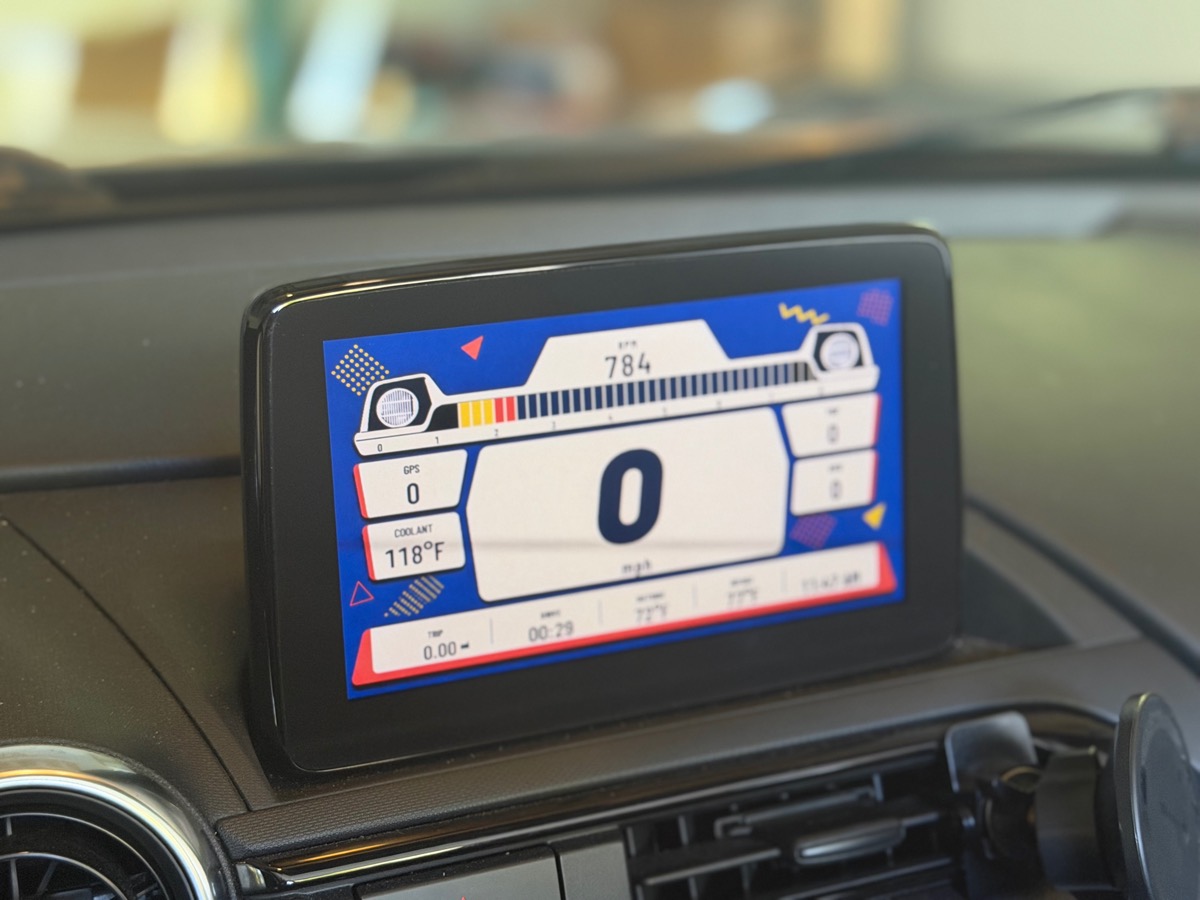
Choose from ten themes on your factory screen. No phone or OBD adapter required.
View Meters →Quoted from emails owners sent us after installing ScreenTune.
No errors, I also have a feeling that the result is even snappier than promised 👍
I'll admit, I was apprehensive as AA touch seemed a little too good to be true if old XDA dev posts were to be believed, but well done sir!
Just installed screen tune and I'm really happy with what I've tested so far, especially the boot times.
I love the ScreenTune performance and options…
Got everything installed without issue! A+++ experience…
Was so easy to install and the meter screens are really cool! Thanks for a great product!
I'm really impressed with the whole idea and execution of ScreenTune.
Keep any feature you are unsure about.
Built for your car and firmware, and emailed right after checkout.
Insert it, choose INSTALL, and remove it after the screen restarts.
Tests run on our v74.00.324A bench CMU and ND2.
Select REMOVE on the matching USB to restore files saved during the first install. Safety and recovery →
We check the model, market, firmware, and factory features before building.
Installation and recovery help. If a confirmed car will not install, we correct the package or refund it.
Candidate Gen 6 models include Mazda2, Mazda3, Mazda6, CX-3, CX-5, CX-8, CX-9, and MX-5. Compatibility depends on market and trim.
The $69 download requires a computer to copy the package to a clean FAT32 USB drive. Windows, macOS, and Linux work. The $99 roadster USB arrives by mail ready to use, with US shipping included.
No. Insert it after the Mazda Connect home screen appears. Remove it after installation and the screen restart, about two minutes later. Keep it for updates or removal.
ScreenTune requires Gen 6 Mazda Connect on v74.00.324. Compatibility also depends on model, market, and trim. Check the worldwide vehicle matrix.
We test every change on a v74.00.324A bench CMU and our ND2. The installer verifies the firmware and changes only the screen unit. The matching USB's REMOVE action restores files saved during the first install. See the safety & risk FAQ.
ScreenTune doesn't add CarPlay or Android Auto hardware, turn a wired phone connection into wireless, or add Wi-Fi or SSH access. The faster wireless CarPlay option requires factory wireless CarPlay.
AA Touch adds tap, swipe, drag, and keyboard input while parked or moving, at no extra charge. The commander knob, steering-wheel controls, and voice input keep working. Android Auto must already work through a factory or retrofit hub.
No. The $69 download or $99 roadster USB includes a perpetual license for one VIN and one year of eligible updates from delivery. There is no renewal or automatic charge.
Country helps us match the model, trim, and factory equipment. The installer verifies the exact firmware build before making changes. ScreenTune preserves language, radio-region, and navigation resources.
Yes. The commander knob and steering-wheel controls keep working. You choose whether to keep Mazda's voice commands.
No. Delete the old USB contents, copy the new package files, and eject the drive. Insert it in the car and select UPDATE.
The license covers one vehicle at a time, including use by household drivers and technicians. Don't publish the package or share it for another car. If you sell the car, the license can stay with it. To transfer it, uninstall ScreenTune and ask us to move the license to another compatible car at no charge.
TouchTune is free and open source. Build the USB from the GitHub repo or buy a preloaded drive. ScreenTune adds faster startup, interface fixes, custom configuration, and 90 days of support. Both use the same installer and backups.