
Software and guides for Mazda Connect.
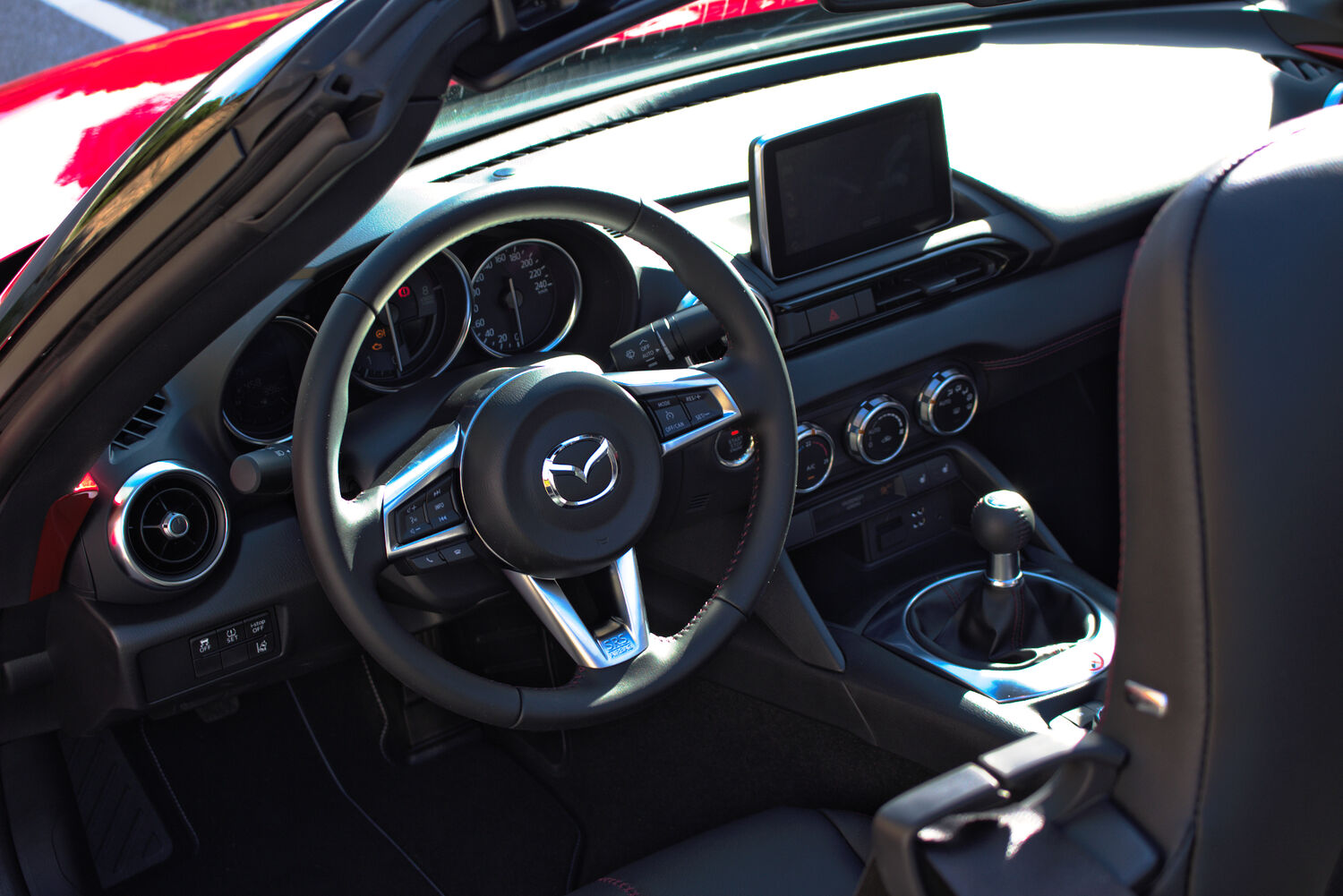

ScreenTune reduces Mazda Connect lag.
It switches off the Mazda Connect features you never use, so the screen is ready sooner. Software only: nothing is added to the dash, nothing is taken out. Installs from USB in about two minutes.
Get ScreenTuneWhat we make.
ScreenTune
The factory screen starts sooner, with the features you never use switched off.
Meters
Live speed, RPM, temperatures, and trip data on the factory screen, in ten themes.
AA Touch
Android Auto answers to tap, swipe, and drag on the factory touchscreen.
TouchTune
The touchscreen keeps working while the car is moving, free and open source.
Closed beta
Invites go out in small batches, matched to the car.
The MX-5 Miata, in depth.
The MX-5 gets guides beyond the screen: buying, track and autocross, mods, and maintenance, plus the Mazda Connect work every Gen 6 Mazda shares.
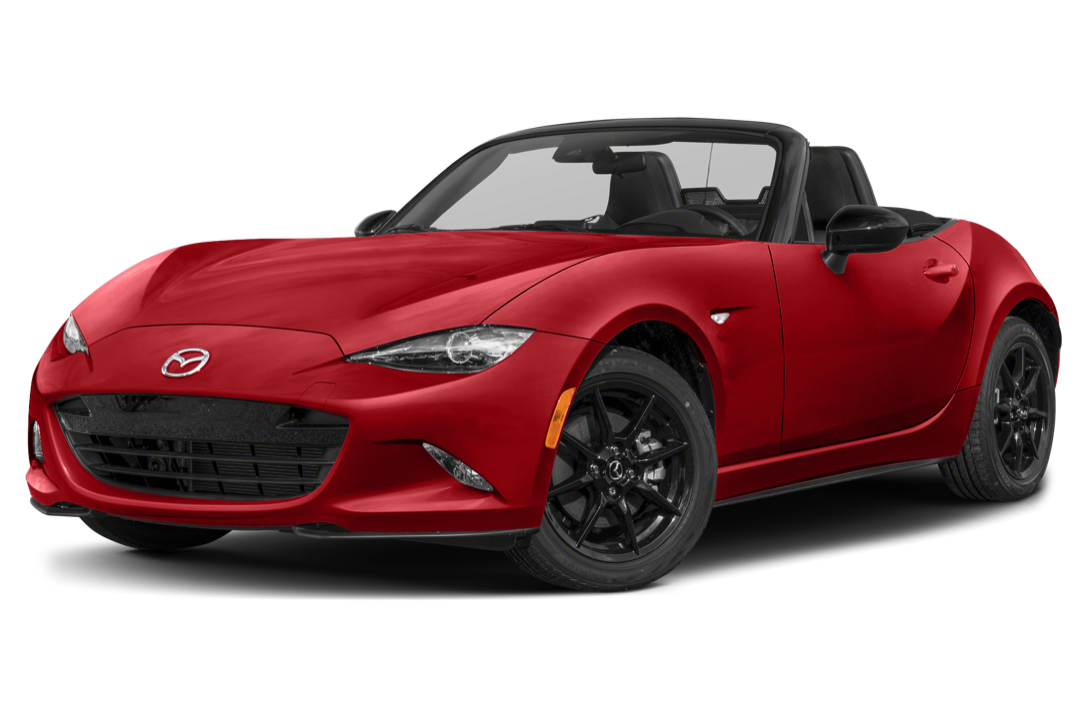
ND MX-5 (2016–2023)
NA to ND lineage, the Skyactiv-G engines, and how to tell ND1 from ND2 from ND3.
Buying an ND
Best years, known issues, soft top or RF, and what to check before you sign.
Track & autocross
Track-day prep, tires, alignment, brake cooling, and data logging.
Mods that matter
Where to start with suspension, sways, wheels, intake, and exhaust, and what each one changes.
Mazda Connect guides.
The models covered here share the same screen software, with features that vary by region, so these guides apply across the lineup.
Kill the warning screen
The disclaimer that blocks the display on every start: what it is and how to clear it.
Common problems
Bluetooth drops, freezes, beeps, and reboots: what’s fixable and what needs a dealer.
Why it’s so slow
Why the screen takes around 48 seconds to become usable, and what can be done about it.
CarPlay & Android Auto
What’s available by model year, the retrofit paths, and why it won’t connect.
Browse by vehicle.
Model hubs for the rest of the lineup: overview, common complaints, buying notes, and which years got which screen. Year spans cover every market, so your trim may differ.
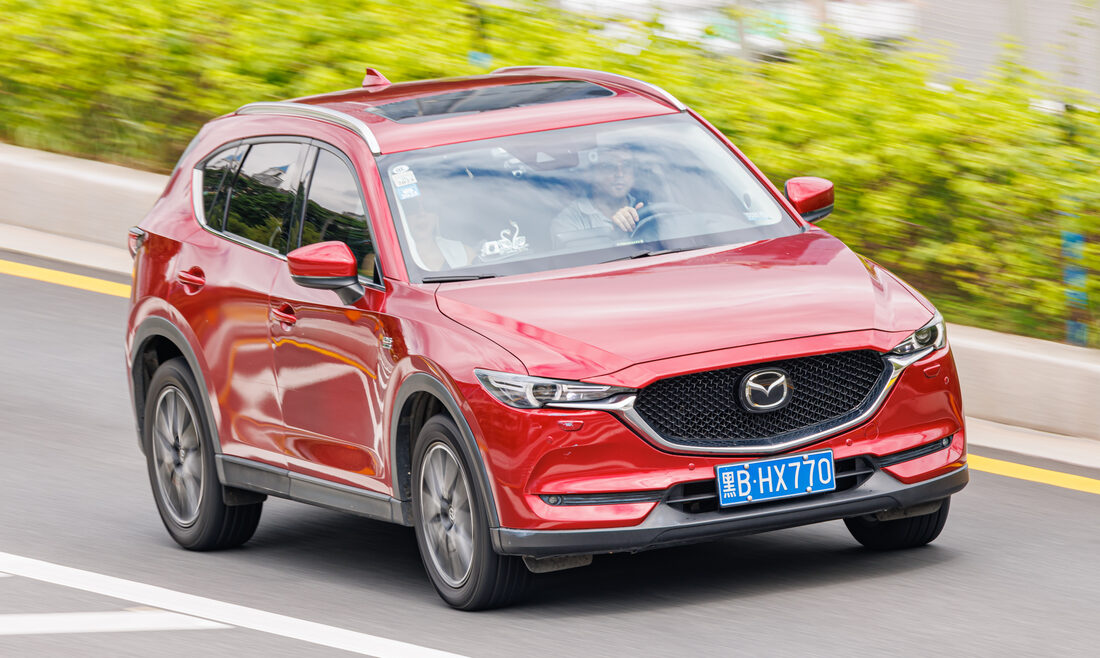
CX-5
2015–2025 US 2021, Canada 2021.5, Mexico 2024. Australia, Germany, and Austria had trim overlap.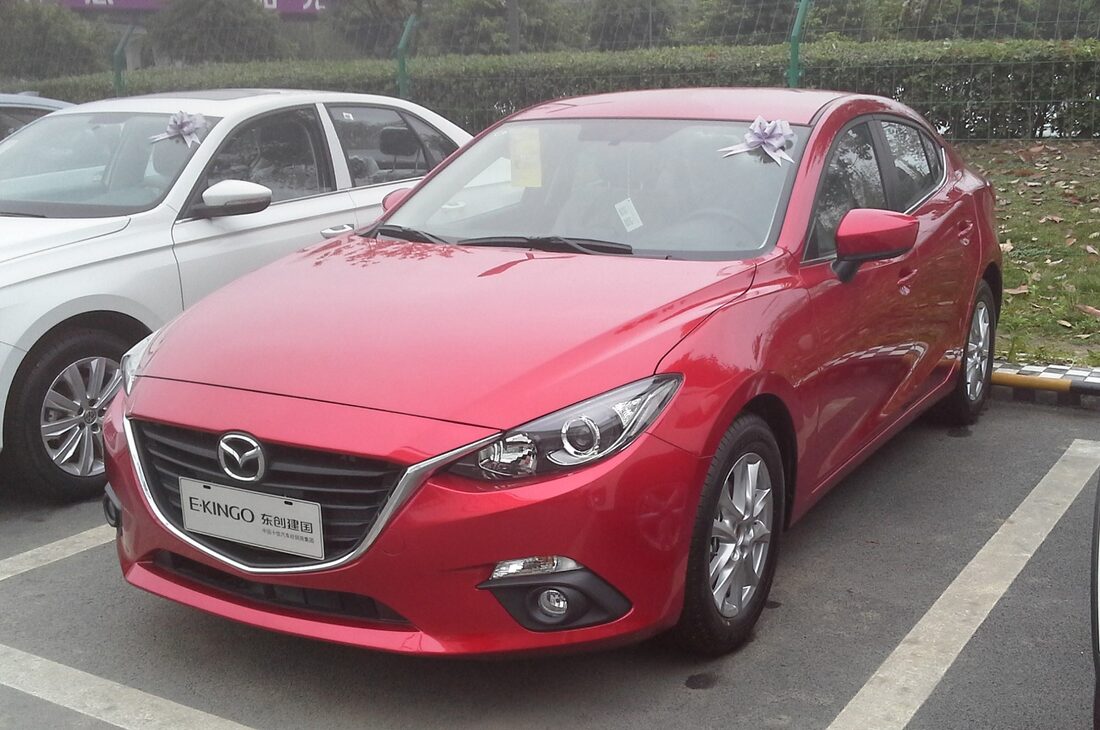
Mazda3
2013–2018 The BM/BN launched Mazda Connect in 2013. The 2019 BP moved to the newer system.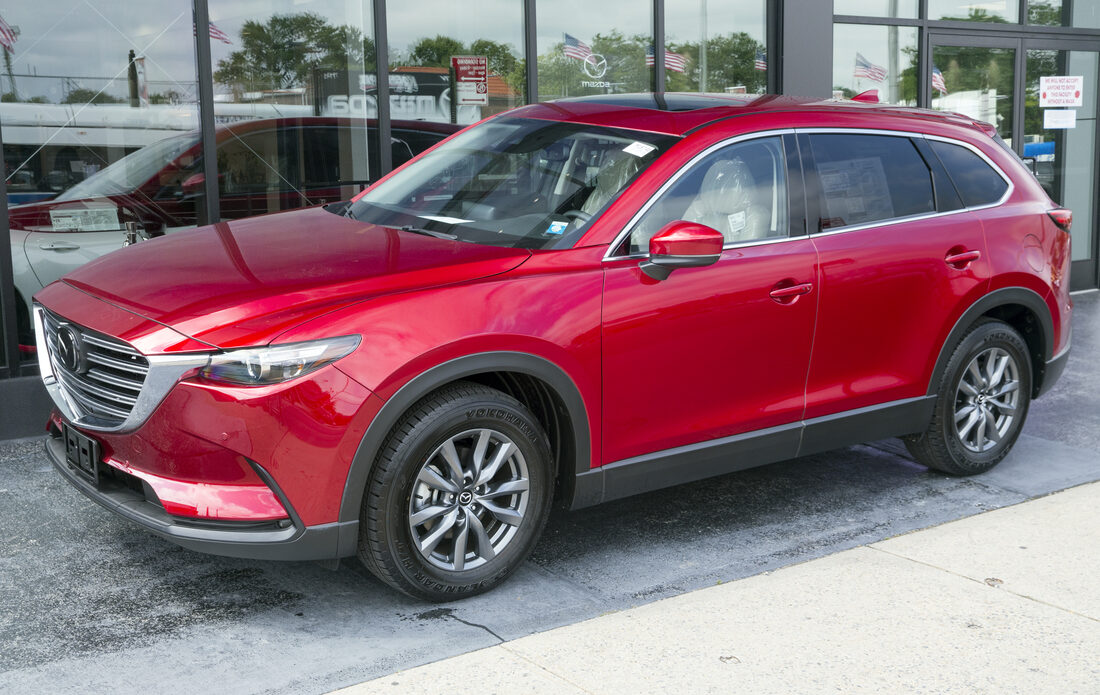
CX-9
2016–2023 US through 2020, Canada through 2021.0, Mexico through 2023, plus selected Australian 2022 trims.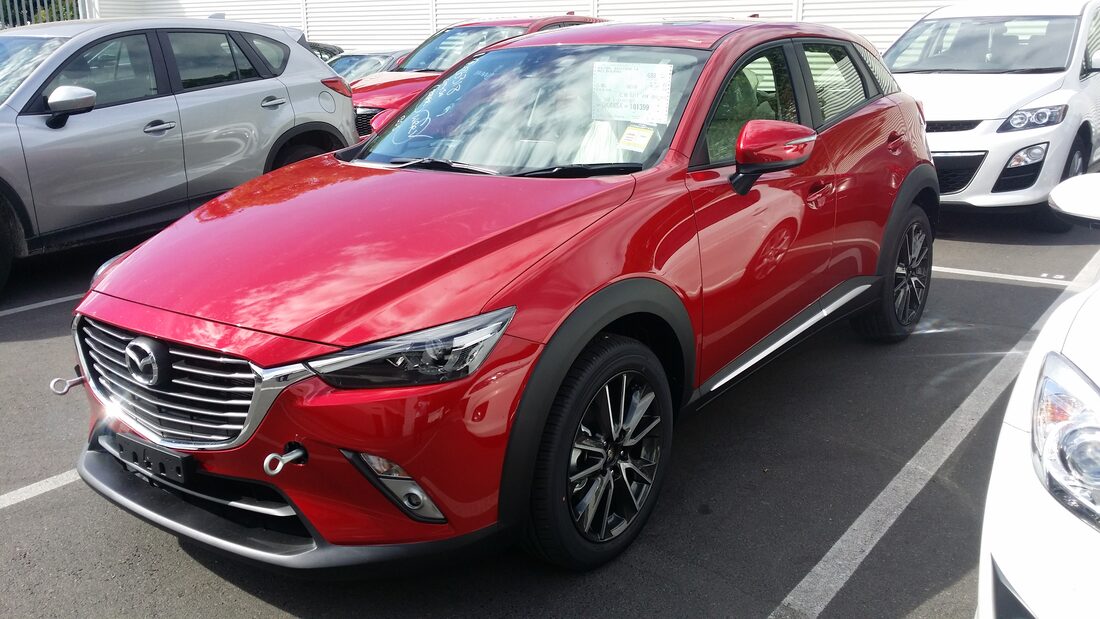
CX-3
2015–present Mexico, Chile, and Ecuador still advertise current original-style candidates. Firmware decides.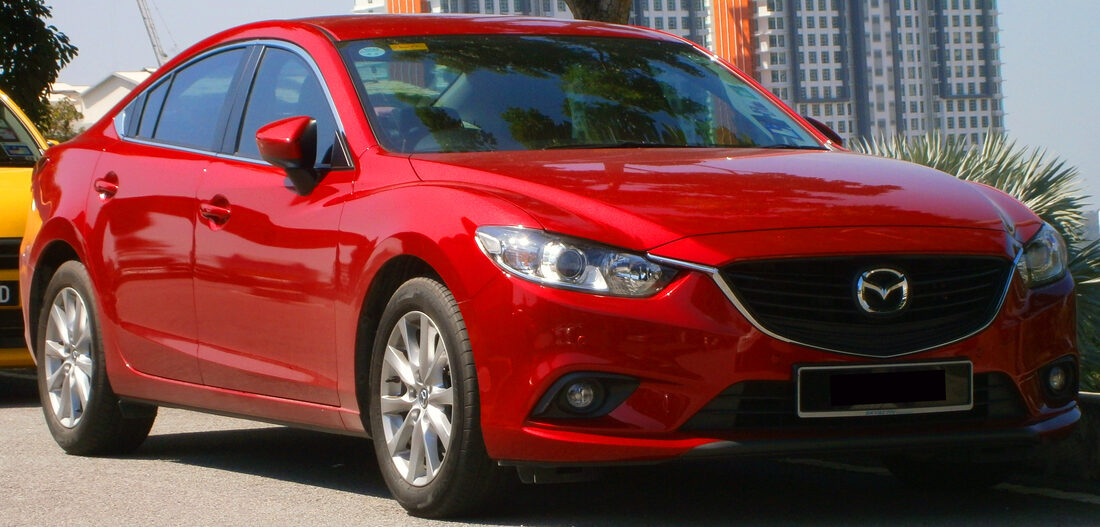
Mazda6
2015–2025 The 2015 facelift kept first-generation Mazda Connect through the model’s regional market exits.Photos via Wikimedia Commons: Dinkun Chen, Navigator84 (CC BY-SA 4.0); Mr.choppers, Aero777 (CC BY-SA 3.0); TuRbO_J (CC BY 2.0).
Latest writeups.
How the TouchTune Installer Works
TouchTune installs through the car's own USB updater: an open source shell script gated to firmware v74.00.324A that backs up the factory setting first.
Read it → Jun 24, 2026Mazda Connect v74.00.324A: What the Final Free Update Fixes
The final free Mazda Connect update, v74.00.324A, fixes echoey calls, startup freezes, and camera bugs, with the NA package on Mazda's server.
Read it → Jun 24, 2026