Miatafy Writeup
Mazda Connect v74.00.324A: What the Final Free Update Fixes
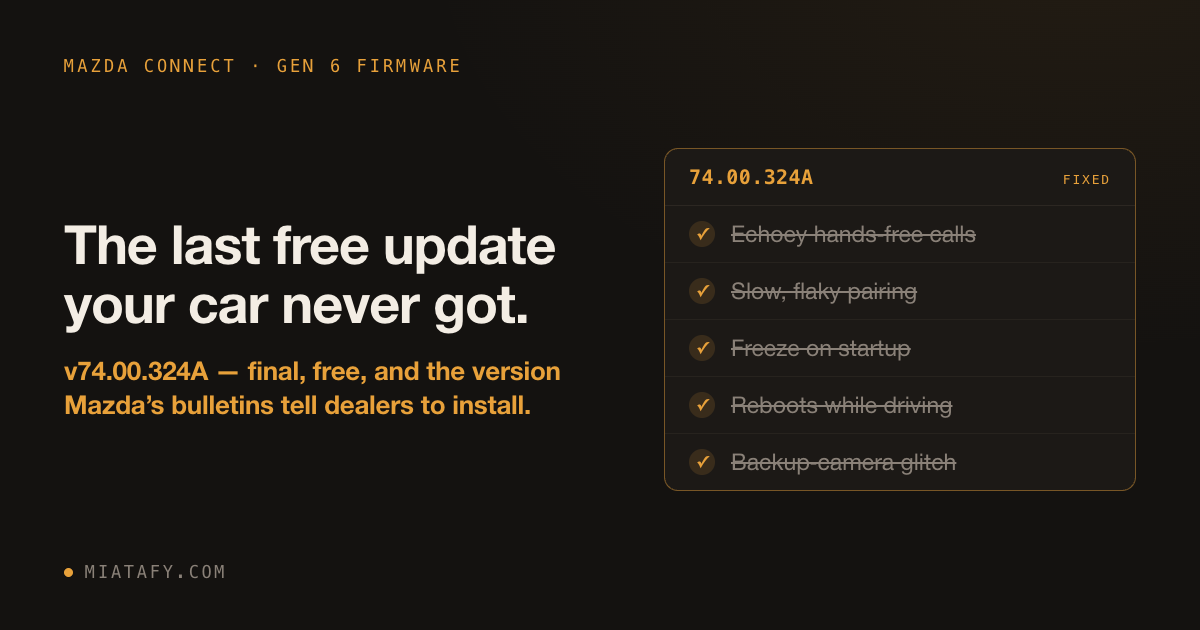
If your Mazda’s infotainment screen shows a version starting with 70, 59, or 55 (here’s how to check), your car is running software Mazda last touched in 2019 or earlier. The final version, 74.00.324A, came out in 2022, costs nothing, and fixes what people complain about: echoey phone calls, flaky pairing, the screen freezing on startup, the backup camera misbehaving.
This is not a mod or a hack. Mazda’s own service bulletins tell dealers to update every Mazda Connect car in inventory to 74.00.324. Two say so, both on file with NHTSA: MC-11006998 and MC-10226834. Most cars on the road never got it.
The same system runs in the MX-5, CX-5, Mazda3, Mazda6, CX-3, and CX-9, so this is the same update no matter which one you drive.
Your phone works better with the car
Mazda rebuilt the phone and Bluetooth software at v74. That covers the parts that handle call audio, that pair your phone, and that show album art and track names while music plays. If your hands-free calls echo, your phone is slow to reconnect, or your music shows up with the wrong cover, this is the update that addresses it.
CarPlay and Android Auto hand off cleanly
If two phones get used in the car, an iPhone and an Android, older firmware handles the switch badly. v74 added the logic to move cleanly between Apple CarPlay and Android Auto and to ask you before it swaps.
Wireless CarPlay becomes possible
v74 is the first version whose software can do wireless CarPlay at all. After the update, whether your car actually goes wireless comes down to the Wi-Fi hardware in the head unit, which in practice means a newer unit.
GPS that holds on in tunnels
Newer Mazda Connect hardware uses a better GPS receiver, one that keeps tracking your position from the car’s own motion when the satellite signal drops in a tunnel or a parking garage. v70 cannot load the software for it. v74 can, and installs the latest version. On cars with the newer receiver, v74 is the only build that flashes its current firmware; cars with the older chip keep the GPS they had.
A stack of documented bugs goes away
Mazda’s bulletins list the bugs each version fixed. Reaching 74.00.324A gets you the whole stack. Depending on how far back your car is starting, that includes:
- The screen freezing while it loads after you start the car.
- The system rebooting itself while you drive.
- A burst of radio audio right after a hands-free call ends, even on mute.
- A false high-temperature warning, and a clock that shows the wrong time.
- CarPlay audio not coming out of the driver-side speaker.
- The backup camera not returning to the CarPlay screen after a quick shift.
The version-by-version accounting is in what changes inside the CMU.
Before you do it
It resets your settings. The update returns the system to stock, so you re-pair your phone and redo your preferences afterward. Budget a few minutes.
It only goes forward. You cannot roll back to an older version once you update. Reinstalling the same version for a repair is still fine.
The region has to match. A North American car needs the North American version, the one ending in A. The wrong region can knock out radio bands. Match the region code on your About screen; this is the part not to get wrong.
It fixes software, not hardware. A failing touchscreen, a worn-out navigation SD card, or a bad cable needs a part, not an update.
How to update
Aim for 74.00.324A specifically. It is the final version and the one Mazda’s bulletins name.
The low-effort route is a dealer. Ask for the “Mazda Connect infotainment firmware update to 74.00.324A,” and be clear it is not a navigation map update or a Gracenote update, because those get mixed up constantly. Bring your VIN and a photo of your current version screen.
If the About screen shows NA N, the full dealer-and-DIY guide now links directly to the package on Mazda’s server and publishes its exact size and SHA-256 checksum. Most units use one file on a FAT32 USB drive. Units above 29.00.000 through 55.00.600 use Mazda’s two-file v70 stage first; units on 29.00.000 or older should use a dealer. Remove the navigation SD card before any route. When it finishes, confirm the version screen reads 74.00.324A, re-pair your phone, and test the camera and CarPlay.
The bug fixes attributed to Mazda come from service bulletin 09-018/22 (NHTSA MC-11006998) and a SiriusXM service alert (NHTSA MC-10226834). The rest comes from a file-level diff of the v70.00.335C and v74.00.324A firmware packages.