
No dashboard disassembly.
Install your configured package from USB. Leave the display assembly and digitizer ribbon cable in place.
Disable phantom touchscreen input without opening the dashboard or disconnecting the digitizer cable.
ScreenTune from $69. One-time purchase. Touch-disable option requires ScreenTune 1.1.0 or later.
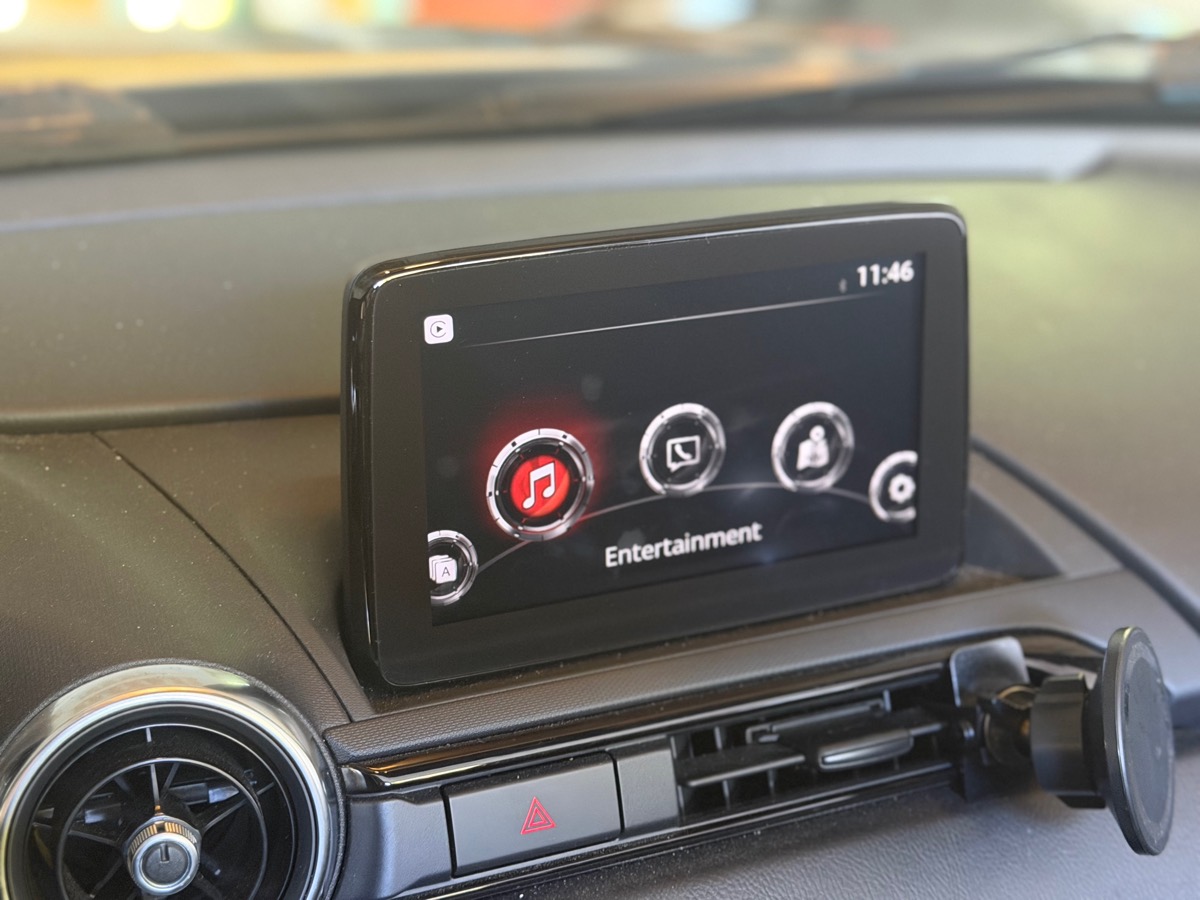
A failing digitizer can send taps you never made. ScreenTune can make Mazda Connect ignore touchscreen input while the display and physical controls keep working.
Install your configured package from USB. Leave the display assembly and digitizer ribbon cable in place.
Navigate with the commander knob, steering-wheel buttons, and voice controls. The screen continues to display Mazda menus, CarPlay, and Android Auto.
Phantom presses and deliberate taps are both ignored. This includes touch in Mazda menus, CarPlay, and Android Auto.
Turn the option off in your saved ScreenTune choices and install an updated package to restore touchscreen input.
Disabling input suppresses the failing digitizer's taps; it does not repair the hardware. A screen or digitizer replacement restores touch. Disconnecting the digitizer ribbon is another option if you prefer a physical workaround.
Read the diagnosis and repair guideDisable touchscreen is an optional feature in ScreenTune 1.1.0 for supported Gen 6 Mazda Connect systems. Install a 1.1.0 or later package to use it; 1.0.11 does not include it.
After checkout, enter your VIN and confirm your firmware. Select Disable touchscreen (ghost touch) on the add-ons step.
Use the configured ScreenTune USB package. Touch-enabling options, including AA Touch and touch while driving, are switched off for this setup.
The setting reapplies after Mazda Connect services start on later boots. Phantom input can still occur before the startup task runs.
The installer checks the firmware on your car before it changes anything. A non-touch Gen 7 display has no touchscreen input to disable.
No. Ghost touch comes from a failing digitizer. This workaround ignores its input. Replacing the digitizer or screen is the repair that restores touch.
No. All touchscreen input is disabled, including deliberate taps in Mazda menus, CarPlay, and Android Auto. Use the commander knob, steering-wheel buttons, and voice controls instead.
The setting reapplies after Mazda Connect services start. Phantom input can still occur before the startup task runs; this is not an instant power-on block.
The instrument-cluster compass can show -- while driving. Disable touchscreen cannot be combined with the patch that preserves the compass with touch while driving.
Yes. Turn Disable touchscreen off in your saved ScreenTune choices and install the updated USB package. A failed digitizer still needs repair if you want reliable touch input.
No. Car setup turns off conflicting touch-enabling options when you select Disable touchscreen. Choose the behavior that suits your screen.
Choose Disable touchscreen for your package. Keep your dashboard intact and use the controls already in your car.
Buy ScreenTune