
Keep the controls you know.
Use the Commander knob to move between shortcuts and open menus. Try the selection order in the editor before you install.
Choose a theme, set your shortcuts, and add your own background. Home is part of ScreenTune.
ScreenTune from $69. One-time purchase. Home included. Already own ScreenTune? Sign in.
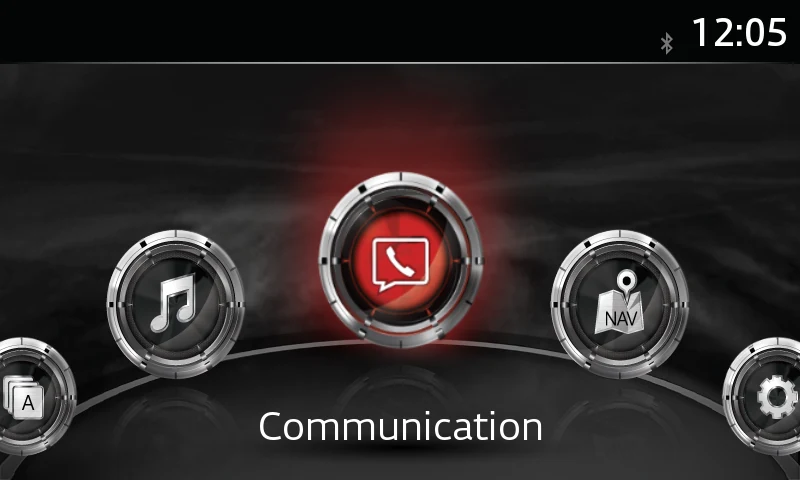
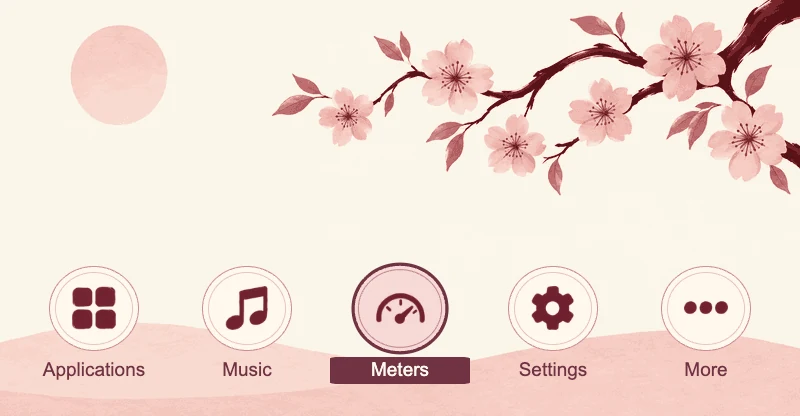
Choose where each shortcut opens, change its label, and set its place in the selection order. Keep Music and Navigation close, add Meters, or link to a menu of your own.
Meters shortcuts need Meters in your ScreenTune package. In five-shortcut layouts, displaced factory destinations remain available through More.
Explore themes and shortcutsUse the Commander knob to move between shortcuts and open menus. Try the selection order in the editor before you install.
Compatible themes can carry over your destinations and labels. The theme gallery tells you what each layout lets you change.
Start with Mazda’s round buttons, a panel layout, an illustrated scene, or plain tiles. All of them come with ScreenTune.
Other ScreenTune owners design these in the Home editor and publish them. Use one on your car, or remix it into a design of your own.
You can always switch back to Mazda’s default home screen. Request and install a factory-restore USB package; your custom design stays saved online. How to restore the default
Every theme is a starting point in the Home editor. Choose a background from the artwork library or upload a photo. Supported themes let you change button artwork too, with a preview of the selected and inactive states.
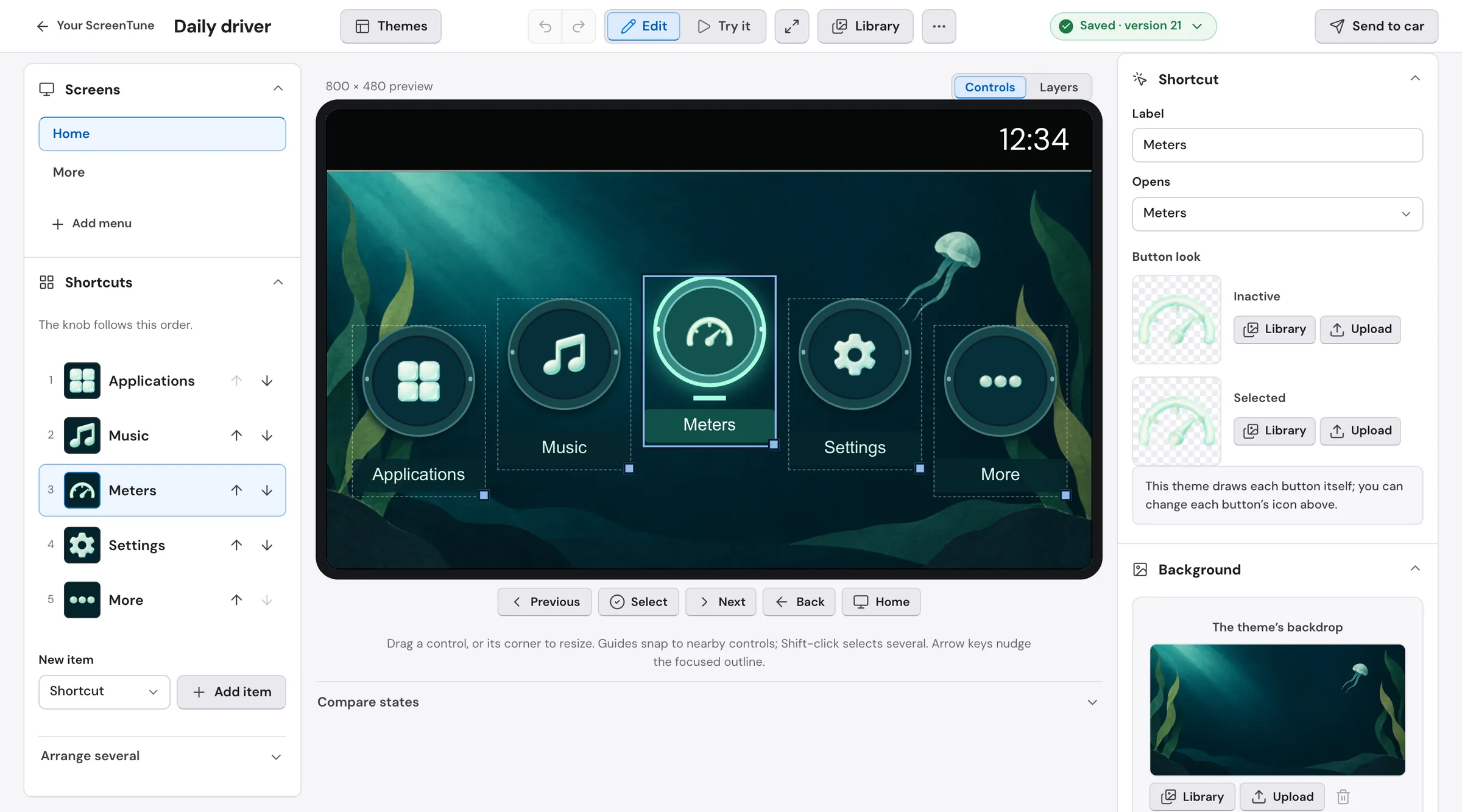
Upload a PNG, JPEG, or WebP. Fill the screen with a crop, or fit the whole image. Check that shortcut labels and the selected button stay easy to see.
Round-button themes support custom artwork. The button artwork tool creates matching inactive and selected treatments from an illustration.
Start with plain tiles to build menus and adjust positions, colors, and layers. Ready-made themes may lock parts of their layout to preserve the design.
Use Previous, Next, Select, Back, and Home in the preview. Save when your shortcuts, labels, and selection order work together.
Checkout creates your My ScreenTune account, which includes the Home editor and artwork tools.
Choose a theme, set your shortcuts, and try the controls. Save a version to your account when it is ready.
Send to car requests a ScreenTune package with your saved design. Install that package from USB to update the car.
Home works on the same cars as ScreenTune: Gen 6 Mazda Connect on firmware v74.00.324. Check the version on your car before you buy.
Miatafy Home customizes the Mazda Connect home screen. Choose a theme, change your shortcuts and labels, and personalize backgrounds and supported button artwork in your signed-in account.
No. Home is included with every ScreenTune license at no extra charge.
A ScreenTune license. Buying ScreenTune creates your My ScreenTune account, which holds the Home editor, the artwork library, and the design tools.
Home works on the same cars as ScreenTune: Gen 6 Mazda Connect on firmware v74.00.324. Check it on the car under Settings → System → About → Version Information, and see the supported vehicles list for models.
Yes. Home designs support the car’s Commander controls. The editor’s Try it mode lets you check shortcut order and menu navigation before saving.
No. Save stores a version in your account. Send to car requests a ScreenTune USB package containing that saved version, which you then install in the car.
Your Home design stays installed. Every ScreenTune update and REPAIR reinstalls the Home design you last sent to the car. To change it, save and send a new version.
No. Round-button themes support destinations, order, labels, button artwork, and background changes. Panel themes keep their shortcuts in place and may fix their artwork or colors. Illustrated scenes let you move and resize their shortcuts. Blank styles offer more control over menus, positions, colors, and layers.
Yes. In the editor, More → Restore factory Home requests a ScreenTune USB package that restores Mazda’s default home screen. Download and install that package in the car. Your custom design stays saved online.
Both ScreenTune options are one-time purchases and include Home at no extra charge. Buy first, then enter your VIN and choose your features.
Buy ScreenTuneHome comes with every ScreenTune license at no extra charge and installs through your ScreenTune USB package. Updates and REPAIR reinstall the design you last sent to the car.
Explore ScreenTune