A Miatafy open-source project
Touch the screen
while driving.
TouchTune removes the factory speed lockout so the Mazda Connect touchscreen stays active while moving. It's a free, open-source shell script that runs on the head unit: install it once and it holds through every restart. You can read it before you install it, and remove it the same way.
Free and open source (GPL-3.0) · One-time install · Reversible · Built for firmware v74.00.324A
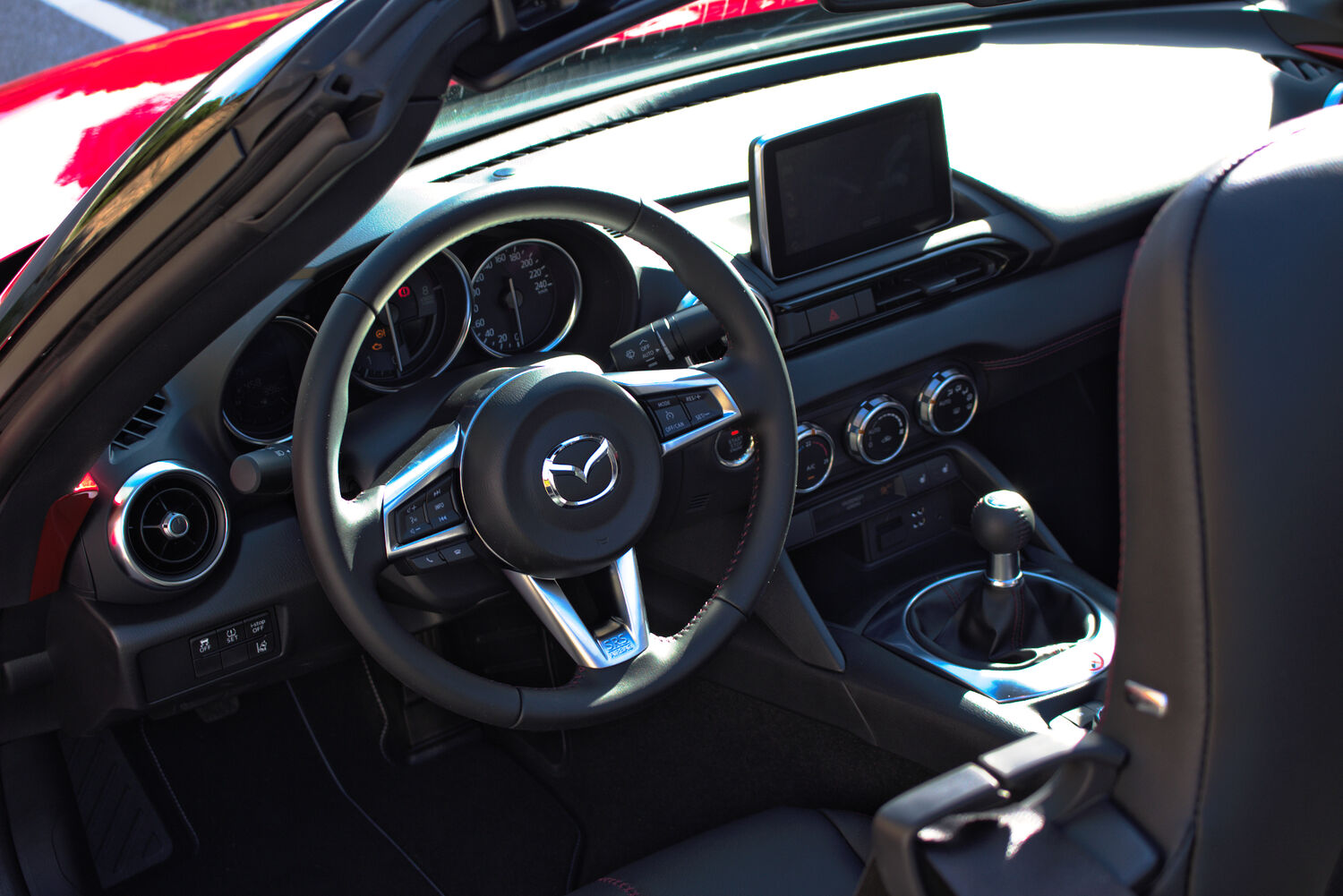
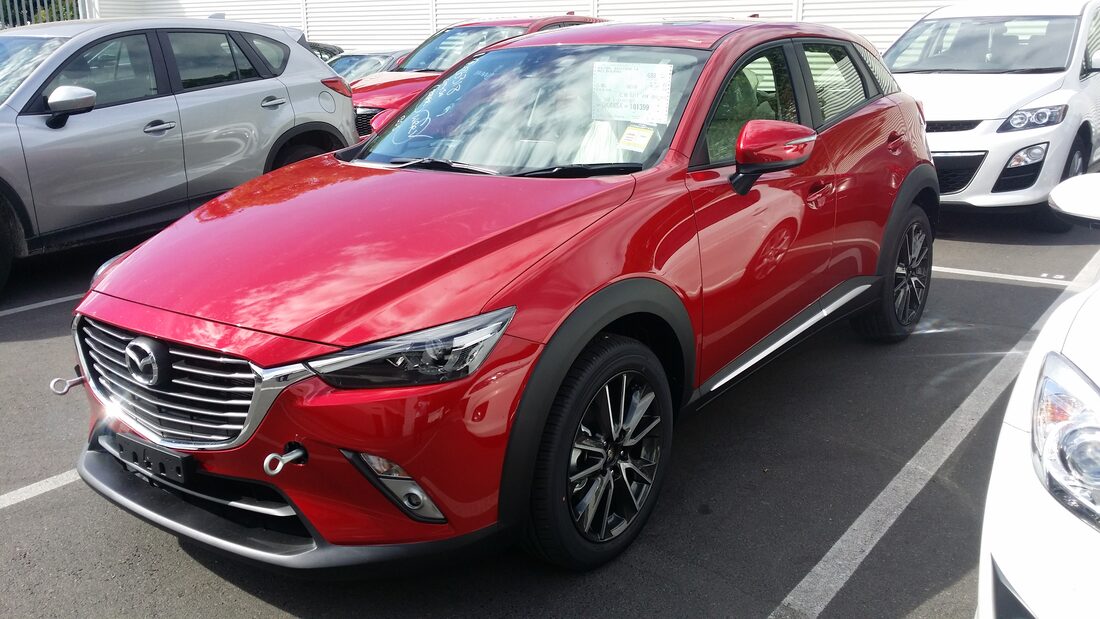
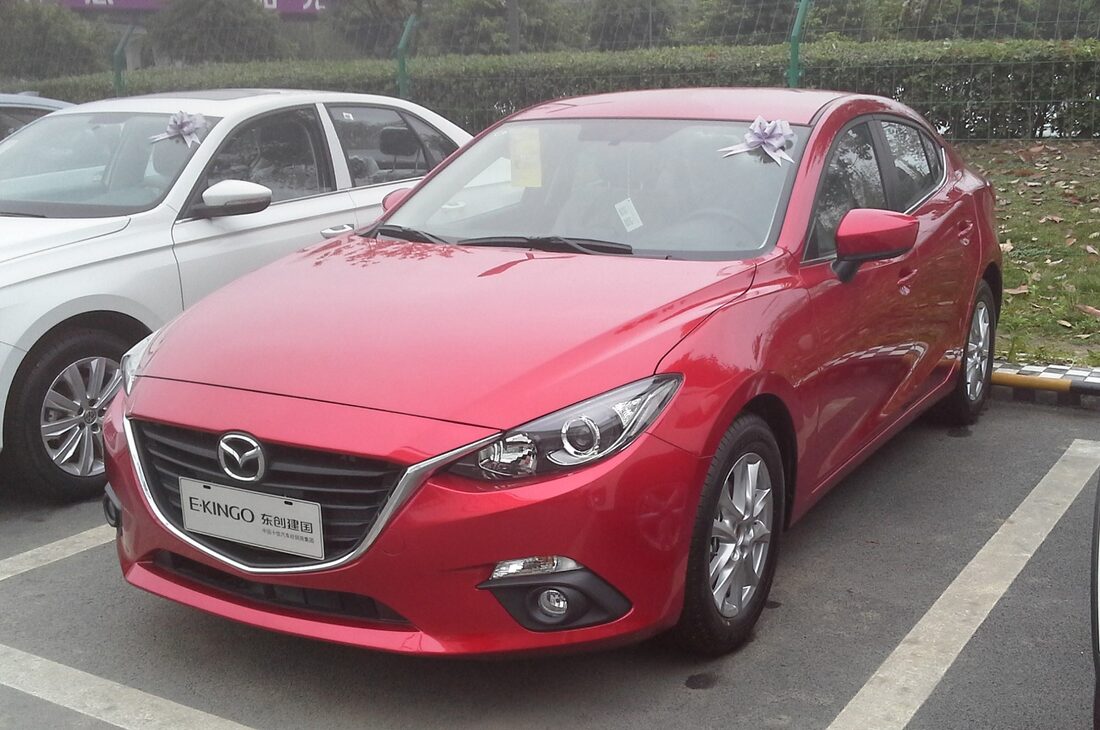
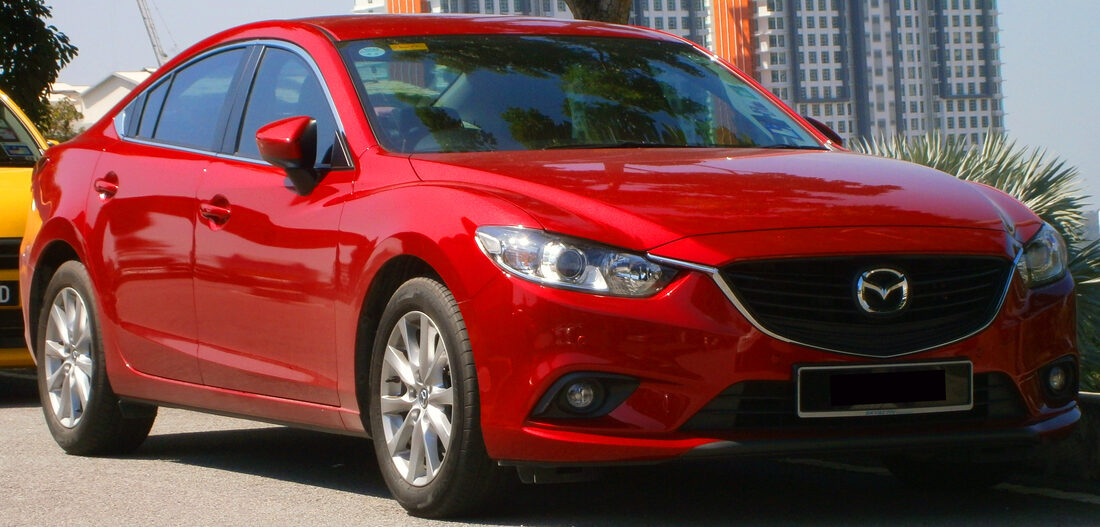
Car photos via Wikimedia Commons: Dinkun Chen, Navigator84 (CC BY-SA 4.0); Mr.choppers, Aero777 (CC BY-SA 3.0); TuRbO_J (CC BY 2.0).
One setting on your own car.
Touch while moving
It clears the speed-restriction flags that disable the touchscreen while you drive. Background: touchscreen disabled while driving.
Nothing else
It changes one setting and adds no apps, Wi-Fi, or SSH. It touches nothing outside the screen unit, which isn't wired to the engine, brakes, or steering.
Reversible
It backs up the factory value before changing it. To undo, plug in the same USB, choose REMOVE, and it writes the original back.
Three steps from a USB stick.
Get the code
Clone or download the repo.
Make a USB
Format a stick FAT32 and copy the contents of the usb/ folder to it. See USB requirements.
Plug in
Turn the car on and let the screen boot, then insert the stick. Popups confirm each step; pull the stick when the unit restarts.
The car runs the installer itself, about two minutes. Illustrated install, repair, and removal guide →
In the mail. Ready to plug in. $29.
The same free script, preloaded on a tested stick. Plug it into the car, wait about two minutes while the screen updates itself, and pull it out. The touchscreen works while you drive.
- The TouchTune USB, checked against your car before it ships
- Simple, plug-and-go instructions
- Reversible: remove it the same way you installed it
- Questions go to a real person by email
Rather build it yourself? Everything is free on GitHub.
Common questions.
Do I have to run it every drive, or is it a one-time install?
Once. The change survives restarts and ignition cycles until you undo it. This is not the old maintenance-menu trick, which stopped holding on newer firmware: TouchTune makes the change in both places v74 reads it from.
Is it safe, and can it be undone?
It only touches the screen unit, never anything that moves the car. It backs up the factory setting before changing it, and you undo it by plugging in the same USB and choosing REMOVE. No modification is risk-free, so read the script first. Risk detail: safety & risk FAQ. Reverting: revert / uninstall.
I'm not computer savvy. Is it really just a USB stick?
Close. The DIY version: format a stick FAT32, copy the contents of the repo's usb/ folder onto it, and plug it in with the car on. The head unit runs the installer and restarts when it's done, about two minutes at the car. The formatting and copying are where people get stuck (USB requirements), so if you'd rather skip them, the $29 option is the same script on a tested stick, mailed to you, with email help from a real person.
Does the commander knob still work?
Yes. TouchTune re-enables touch while moving. The commander knob, steering-wheel buttons, and voice controls keep working exactly as they do stock.
Does it work in CarPlay?
Yes. The lockout TouchTune removes covers the native screens and CarPlay together, so after install both accept touch while moving.
Does it enable touch in Android Auto?
TouchTune itself does not. It removes Mazda's speed lockout from the native interface and CarPlay. Android Auto has a separate missing-input path, handled by AA Touch: an optional ScreenTune feature included at no extra charge that works while parked or moving.
Does it work on a Mazda3, or only Miatas?
The shipped USB currently uses a conservative United States order list: MX-5, Mazda3, Mazda6, CX-3, CX-5, and CX-9 on the listed years and v74.00.324A + NA N. Mazda2, CX-8, and additional regional years exist in the same broad platform family, but they need individual review. See the worldwide vehicle matrix.
I'm in the UK, Europe, or Australia. Does it work on a non-US car?
The installer accepts the exact 74.00.324 build family regardless of region prefix, and the About screen may omit the package's A. The recorded bench baseline is North American v74.00.324A + NA N, so EU, 4A, JP, and undocumented regional builds are firmware-eligible but are not claimed as separately bench-tested. The prepared-USB checkout remains conservative; read firmware region codes or email hello@miatafy.com with the complete About-screen label.
Will it make the system faster or less buggy?
No. TouchTune changes the touch lockout and nothing else. If the unit feels slow, the navigation SD card is the biggest drag (why the nav card slows it down), and slow startups have their own fixes (slow boot fix). ScreenTune bundles the startup optimizations.
It removes a factory safety lockout. Whose responsibility is that?
Yours. Touch-while-driving turns off a lock Mazda ships enabled. Using it responsibly is on you, and you accept that risk by installing it. The full disclaimer ships with the code.
How is it different from ScreenTune?
TouchTune is one change: touch while driving. Build it yourself free, or have it mailed on a preloaded USB for $29. ScreenTune is the full product at $69: a custom download built for your firmware and feature choices, faster startup, the other tweaks, a recovery image, and 90 days of support. They share the same installer and on-car backups.